VIRTUAL SHOWROOM · INDUSTRIAL TRADE SHOWS

OMNIVIEWER

Place Your Product Anywhere

The VR platform to present industrial machinery at trade shows without transport costs. Visualize any product before manufacturing at 1:1 scale.

REAL-TIME RENDERING ANY ENVIRONMENT ANY PRODUCT IMMERSIVE VR
SCROLL TO EXPLORE
01

CHOOSE YOUR WORLD

Select from dozens of photorealistic environments — forests, deserts, industrial sites, urban centres, or custom locations built from your client's actual site data.

ENVIRONMENT ENGINE v4.1
02

DROP YOUR PRODUCT IN

Import any 3D model — machinery, architecture, vehicles, infrastructure. OmniViewer scales it, lights it and anchors it to the environment in seconds.

ASSET PIPELINE · REAL-TIME
03

SURPRISE YOUR CLIENT

Present your machinery to the client before manufacturing it. Hand them a VR headset and let them walk around the product at 1:1 scale, in the exact environment where it will be installed.

HEADSET-READY · WEBXR

AVAILABLE ENVIRONMENTS

TRANSFORM ANY SPACE

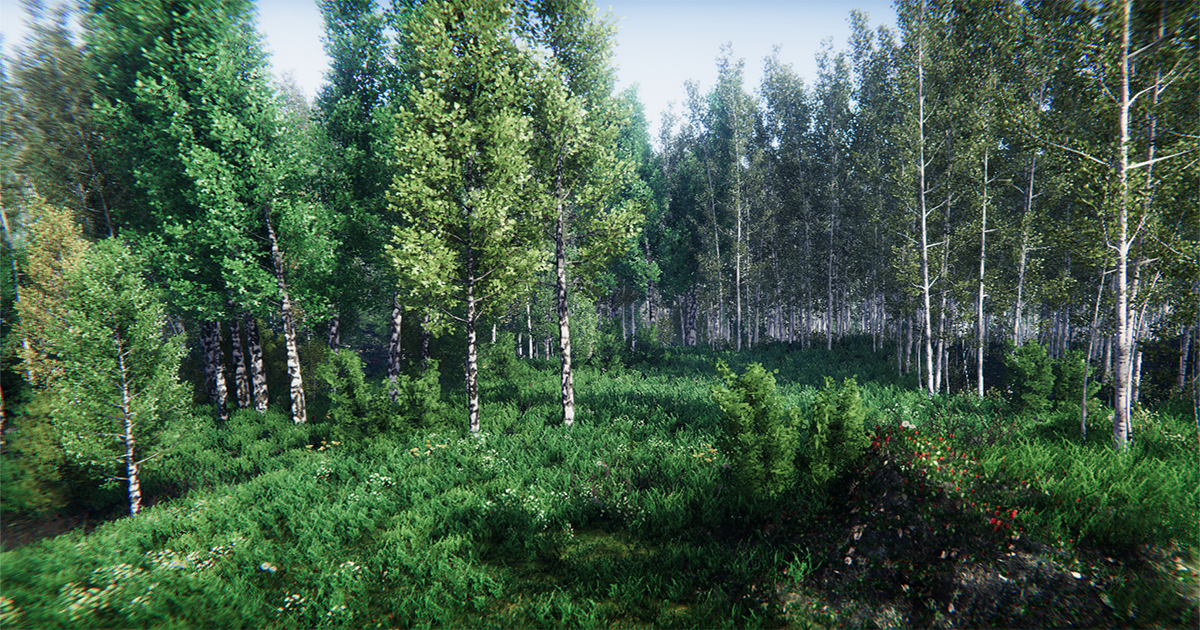
Forest
FOREST

Natural Environment

Integrate products into natural forest settings

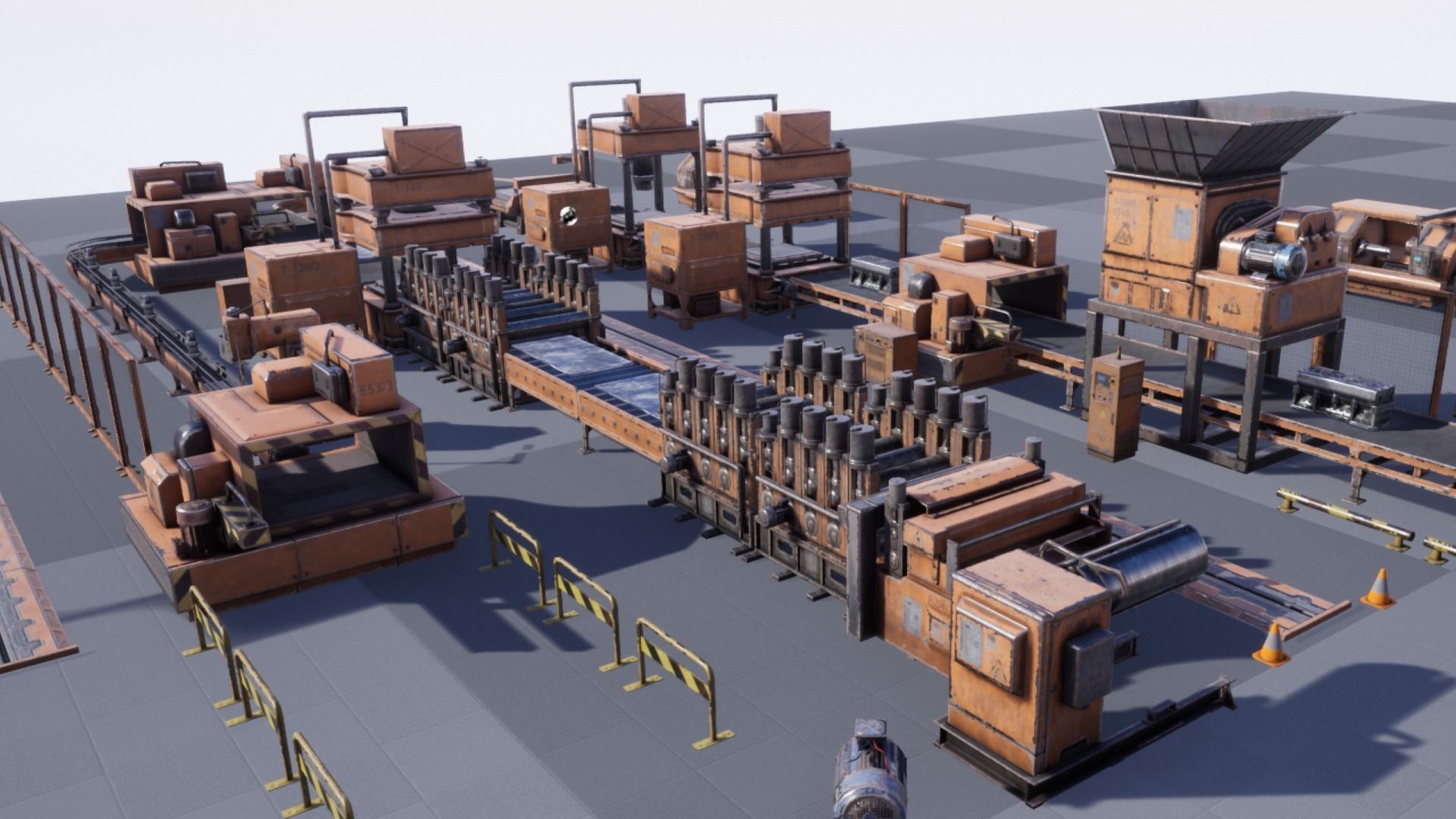
Factory
FACTORY

Industrial Plant

Visualize machinery in real production environments

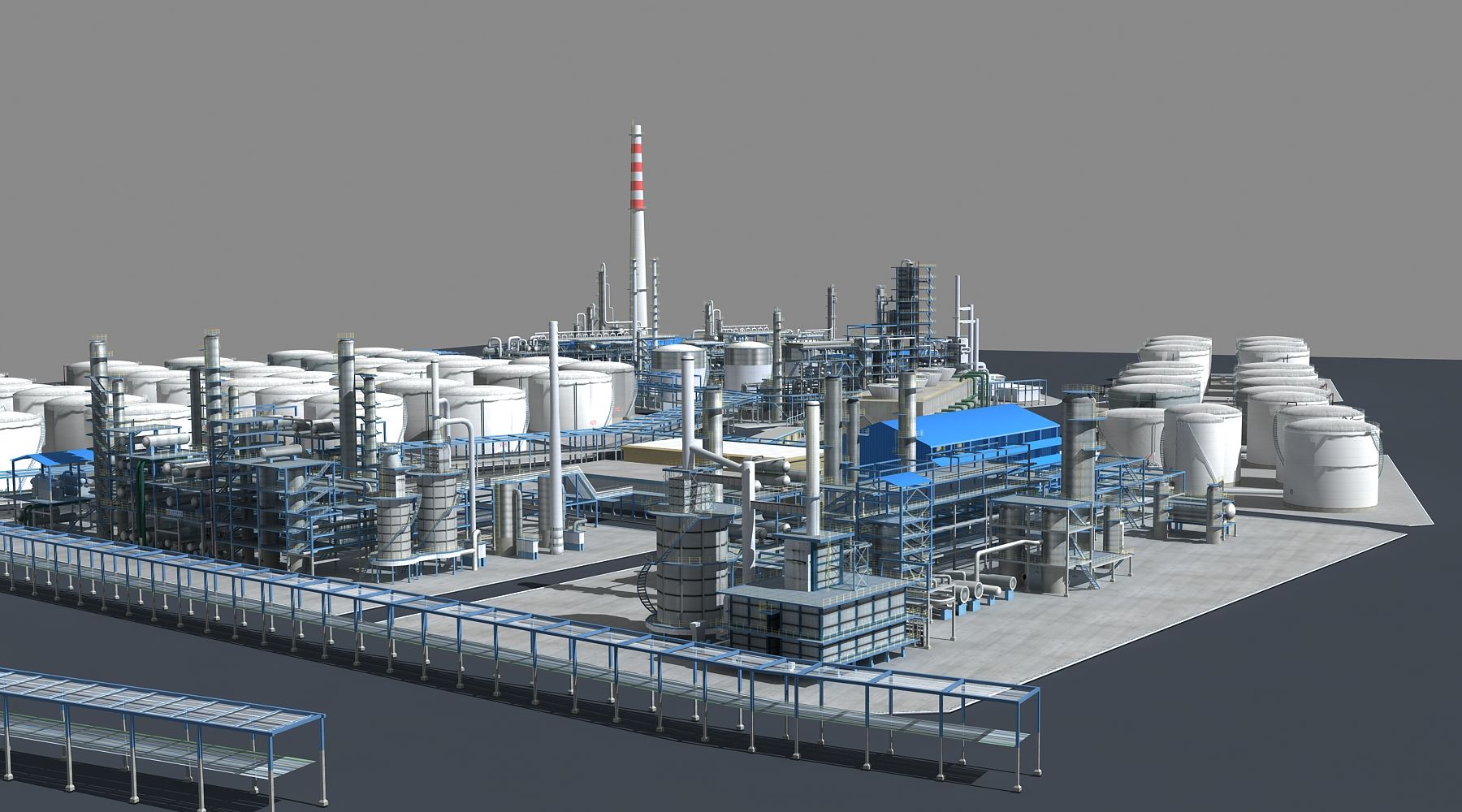
Refinery
REFINERY

Infrastructure

Showcase infrastructure projects at scale in any environment

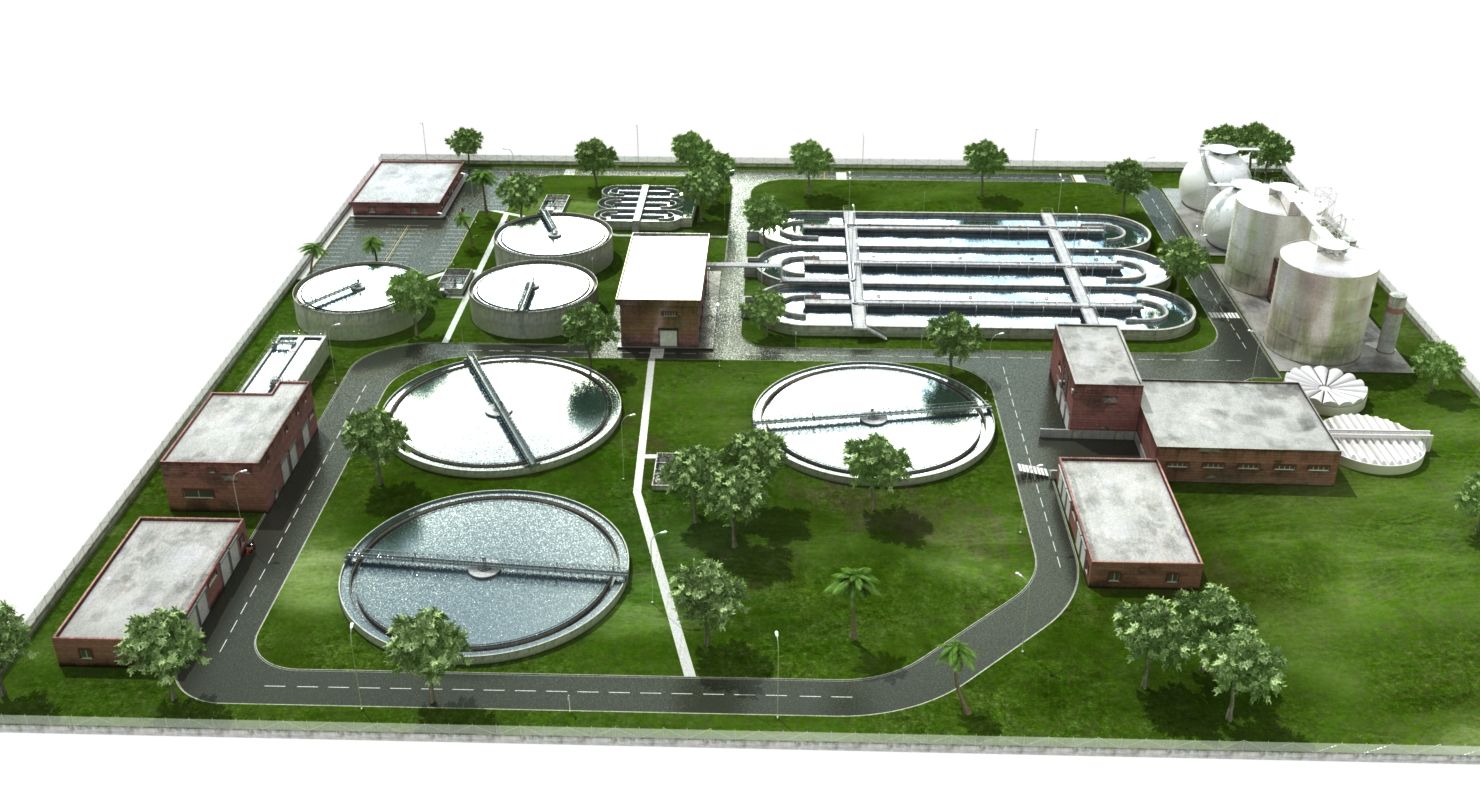
Water Plant
WATER PLANT

Treatment Plant

Immersive presentations for process plants

Need a custom environment? Contact us to create unique settings for your project.

REQUEST CUSTOM ENVIRONMENT

WHY OMNIVIEWER

SHOW IT BEFORE IT EXISTS

Your clients don't buy what they can't picture. OmniViewer closes the imagination gap — placing your product at exact scale, with real lighting, inside the world your client actually operates in.

ANY ENVIRONMENT

From dense forests and sun-scorched deserts to industrial factory floors and arctic sites — load any environment from our library or build a custom one from your client's site data.

ANY PRODUCT

Import CAD files, BIM models, photogrammetry scans or standard 3D assets. Machines, buildings, vehicles, infrastructure — OmniViewer scales, lights and physically simulates every object.

HEADSET-READY VR

Walk your client through a full 1:1 scale experience in under 10 seconds. Compatible with Meta Quest, Apple Vision Pro, HTC Vive and all WebXR browsers.

CLOSE DEALS FASTER

Sales teams using Omni Viewer report a 3× increase in client confidence and a 40% reduction in revision cycles. When your client can stand next to their future product today, the decision becomes obvious.

IMMERSIVE EXPERIENCE

PLACE YOUR PRODUCT IN ITS ELEMENT

ANY ENVIRONMENT

From forests and deserts to industrial factories. The perfect environment to showcase your product.

ANY PRODUCT

Machinery, vehicles, buildings or infrastructure. OmniViewer scales and renders any 3D model.

REAL-TIME RENDERING

Real-time rendering with dynamic lighting. Show your product like never before.

OMNIVIEWER DEMO

STATUS·OK
OV·MK4

TEMPERATE FOREST

ENVIRONMENT LOADED · READY FOR ASSET PLACEMENT

ENV · 01 · FOREST
OMNI·VR ENVIRONMENT LOADING LAT 00.0000 · LON 000.0000

SCANNING ENVIRONMENT

Frequently Asked Questions

What you need to know

What types of industrial machinery can be showcased in OmniViewer?

OmniViewer supports any type of industrial machinery and equipment — from large-scale production lines and refinery units to compact robotic arms and water treatment systems. Our team digitizes your product at 1:1 scale so clients see an exact virtual replica.

Do visitors need a VR headset to access OmniViewer experiences?

Yes. OmniViewer is built to be experienced with a VR headset — it is the only way to place the customer inside the product at 1:1 scale and make it feel real. When a buyer walks around a multi-ton machine in VR, the purchase decision accelerates because doubt disappears. Non-headset previews are possible as a teaser, but the sale closes with the headset on.

How long does it take to set up an OmniViewer experience for my product?

The process from CAD file submission to a ready-to-use experience takes 3–4 weeks. That includes 3D asset optimization, environment placement, material configuration, and QA testing. Additional products on an active plan are turned around faster.

Can we configure materials and finishes inside the experience?

Yes. OmniViewer includes real-time material switching so prospects can visualize different paint colors, surface textures, and finish options before manufacturing. This is especially valuable for capital equipment with long lead times.

How many people can use OmniViewer at the same time?

OmniViewer is a single-user VR experience: one person, one headset, full attention on the product. That focused immersion is what makes the demo so effective. When a project requires it, the platform can be adapted to multi-user mode — multiple people with their own headsets exploring the same product simultaneously. Ideal for team presentations or distributor training.

Why should I choose OmniViewer?

When you take a product to a trade show or need to present something that hasn't been built yet, the challenge is always the same: making it feel real. OmniViewer solves that by placing an exact replica of your machinery in VR — at 1:1 scale, ready to show anywhere, with no shipping costs and no production delays. The customer steps inside the product, walks around it, understands it — and that turns hesitation into a purchase decision.

Next Step

Ready to Transform Your Sales?

Let your clients experience their product before it exists. Schedule a demo to see OmniViewer in action.

View Success Stories