Best 3D Modelling Software in 2026: How We Choose It for Industrial Design and VR
Blender, Maya, 3ds Max, ZBrush or SolidWorks: how an engineering studio picks 3D modelling tools by project type — from DFM-ready CAD to VR-ready assets.

Written by Eduardo Fuentevilla Blanco
Robotics Engineer at Maedcore · Robotics Engineer LinkedIn ↗
What Is the Best 3D Modelling Software in 2026?
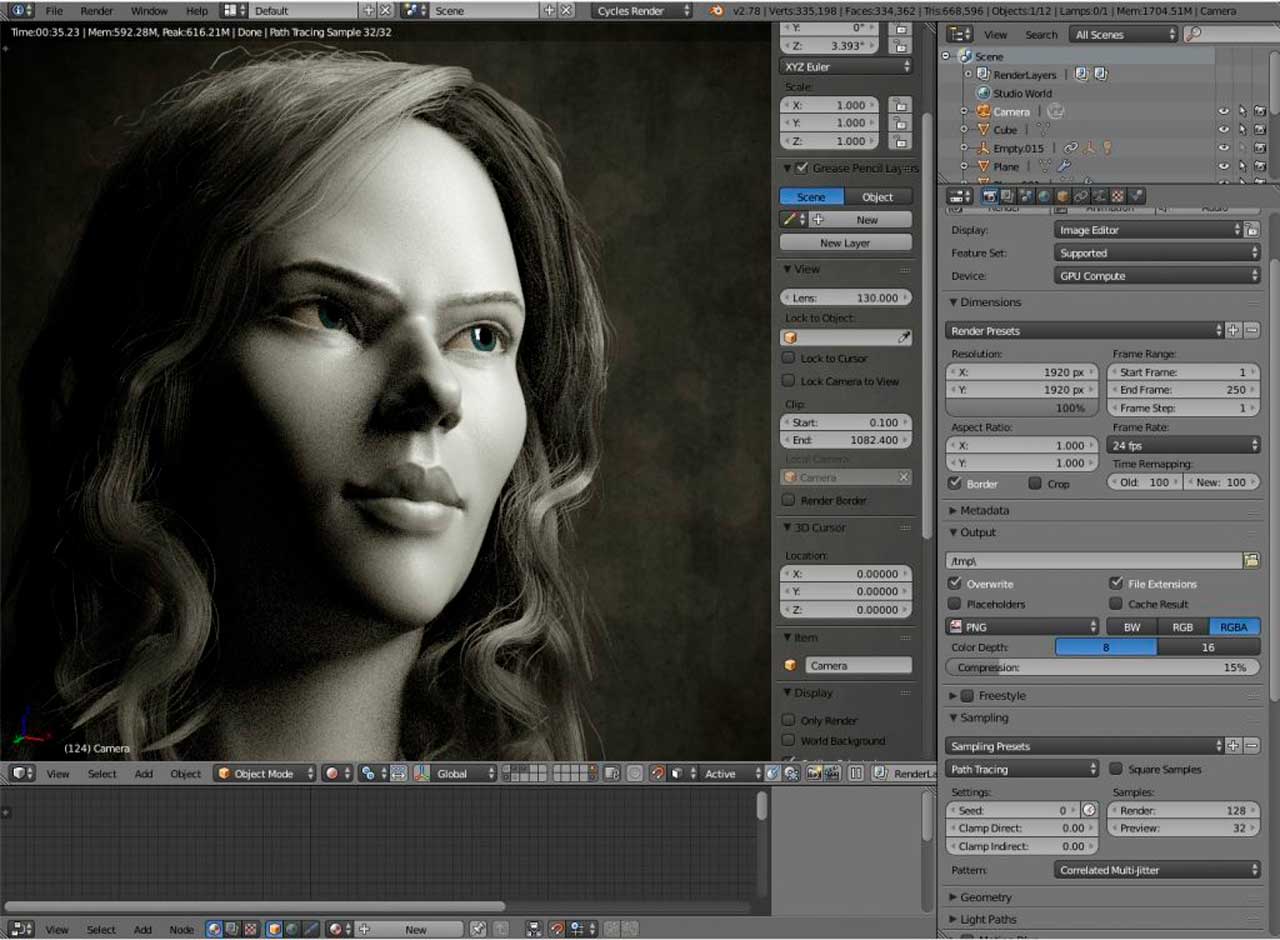
The best 3D modelling software depends on your use case: Blender for creative and VR-ready assets (free), SolidWorks for precision industrial engineering, 3ds Max for architectural visualization, ZBrush for organic sculpting, and CATIA for aerospace-grade manufacturing. For industrial VR pipelines, the most effective combination is SolidWorks for CAD accuracy and Blender for polygon optimization.
This is not a ranking copied from spec sheets. At Maedcore we run all of these tools in production across mechatronics, product design and VR projects, and the comparison below reflects which one we actually reach for in each engineering context — and why.
Why Choosing the Right 3D Modelling Software Matters
3D modelling software is the central tool in any workflow involving industrial design, architecture, animation, video games, the metaverse or manufacturing. A poor choice can mean months of relearning, format incompatibilities with clients, or insufficient performance for demanding projects.
From an engineering firm’s perspective, the consequences are more concrete: tool selection affects DFM compliance, manufacturing handoff quality, and the time from concept to production-ready asset. The question is not “which tool is best” — it is “which tool for which engineering context.” A file that looks correct in a creative renderer may be dimensionally imprecise or structurally invalid for injection moulding.
At Maedcore we work with all five of the tools below in production, each for different contexts. Here is our assessment based on real engineering and product design experience.
Comparison: The 5 Best 3D Modelling Programmes
1. Blender — The Best for Creative Projects and Zero Budget
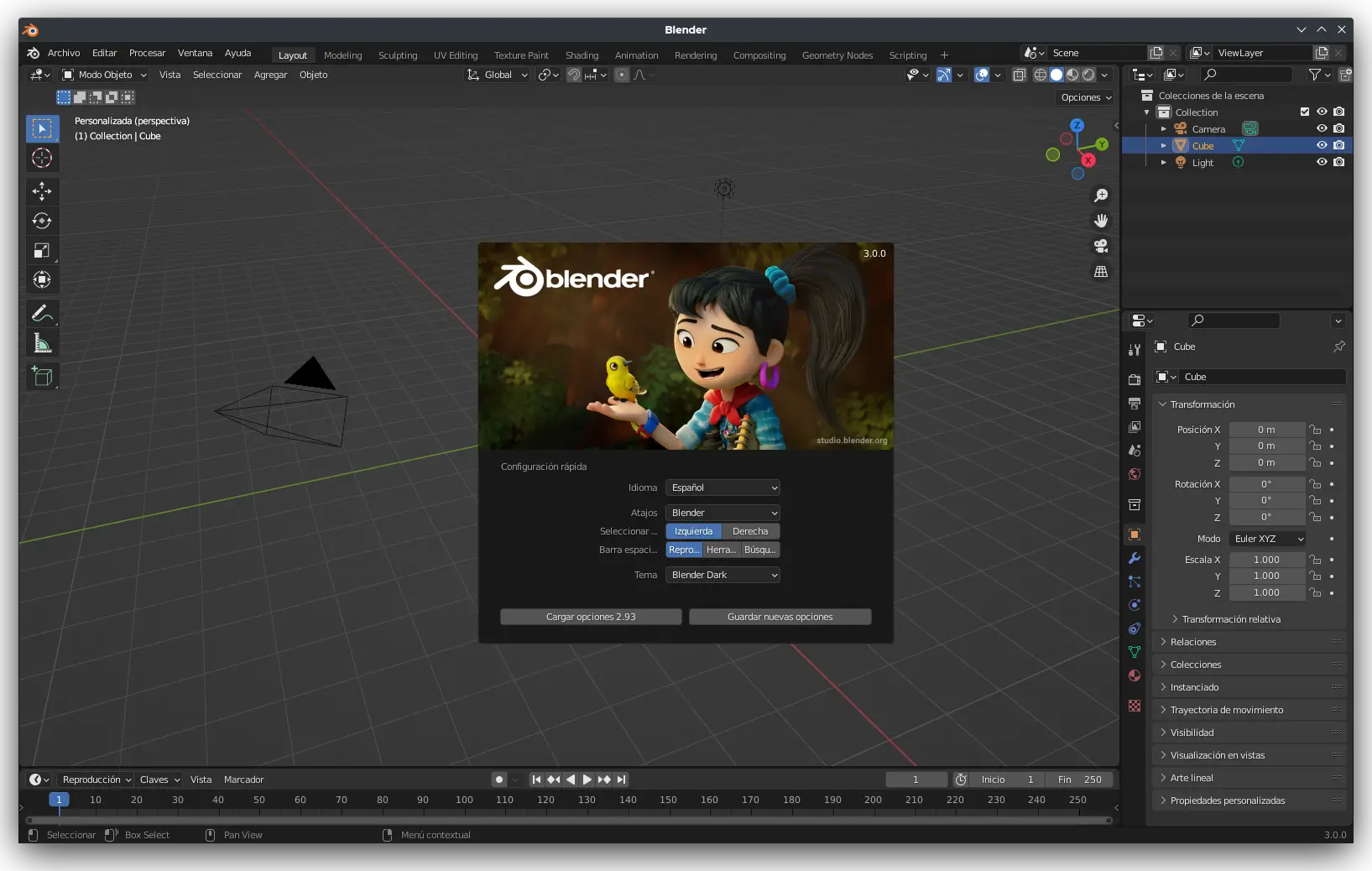
Ideal for: Animation, motion graphics, indie video games, digital art, metaverse, architectural renders.
Price: Free and open source.
Strengths:
- Complete suite: modelling, rigging, animation, physics simulation, compositing, rendering (Cycles and EEVEE) and video editing all in one programme.
- Huge community and abundant free learning resources.
- Highly customisable via Python and an add-on library.
- Export formats compatible with most professional pipelines.
Limitations:
- Steep learning curve for users coming from other programmes (radically different keyboard shortcuts).
- Less suited for precise parametric industrial modelling.
- Corporate adoption still lower than Autodesk in large studios.
Best option if: You have a tight budget, work on creative or animation projects, or want a single tool covering the entire 3D production pipeline.
Maedcore uses Blender for: VR environment preparation and metaverse asset creation (polygon-optimised meshes for Meta Quest), architectural and product visualisation renders where no manufacturing handoff is required. Blender is our primary tool when the deliverable is a rendered image, an animation, or a real-time 3D asset — not a manufactured part.
2. Autodesk Maya — The Industry Standard for Film and Video Games
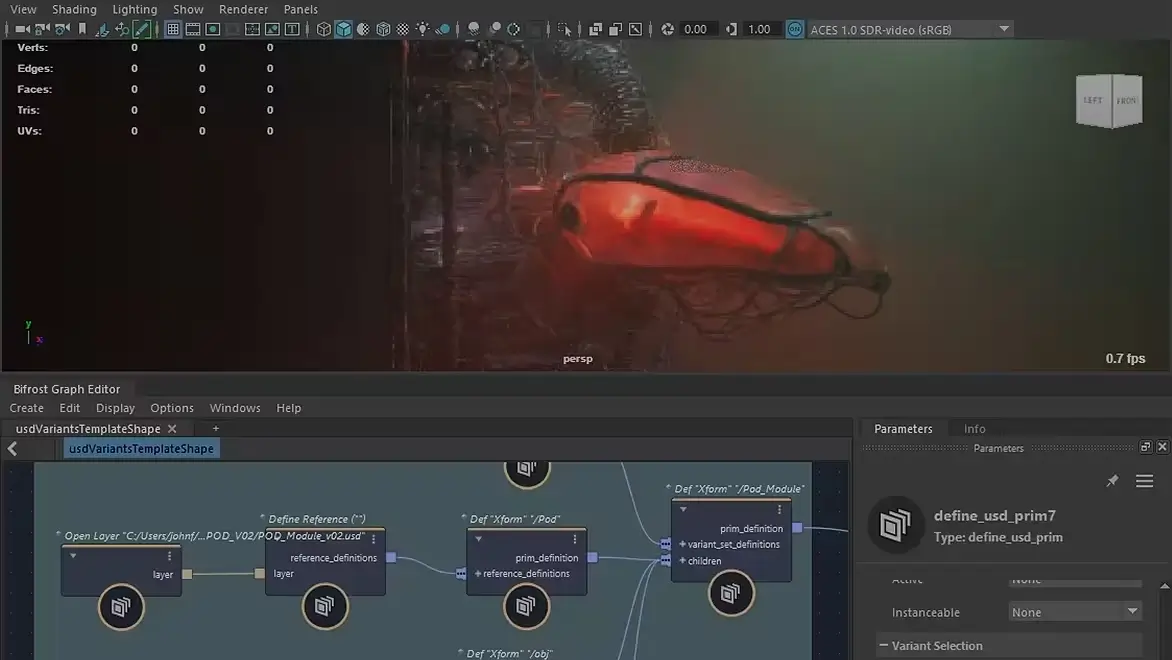
Ideal for: Character animation, cinematic VFX, AAA video games, studio production.
Price: Subscription ~€2,030/year (individual licence).
Strengths:
- The most widely used software in Hollywood animation and VFX studios and major video game publishers.
- Unrivalled character rigging and animation tools.
- High-quality dynamics simulations (fluids, cloth, hair).
- Seamless integration with Arnold Renderer and other production renderers.
- Compatible with major studio pipelines (USD, Alembic, FBX).
Limitations:
- High price, especially for freelancers or small studios.
- Considerable learning curve for new users.
- For architectural or industrial modelling there are more specialised options.
Best option if: You work in or aspire to work in film, TV or AAA video game production, or need complex character animation.
Maedcore uses Maya for: Motion graphics and product explainer animations — not enclosure design or DFM work. If a project needs a convincing animated product demonstration with character or fluid dynamics, Maya is the right tool. For anything that needs to be manufactured, it is the wrong one.
3. Autodesk 3ds Max — The Favourite for Architecture and Interior Design
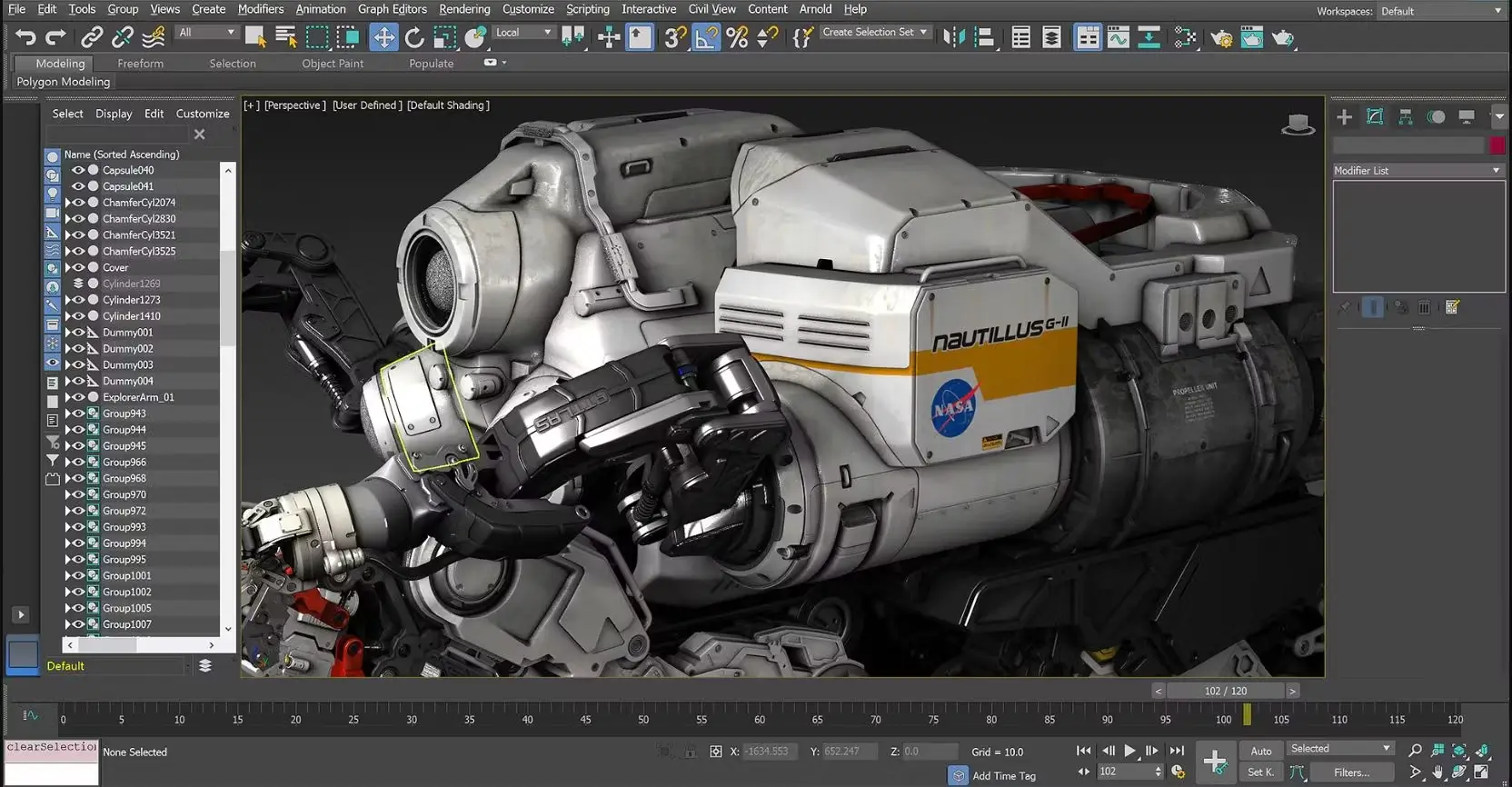
Ideal for: Architectural visualisation, interior design, product design, advertising renders.
Price: Subscription ~€2,030/year (individual licence).
Strengths:
- More intuitive interface than Maya for users coming from graphic design or architecture.
- Excellent integration with V-Ray, Corona Renderer and other photorealistic render engines.
- Highly powerful modifier tools for architectural and product modelling.
- Widely used in architecture studios and the automotive industry for concept renders.
Limitations:
- Only available on Windows (Maya and Blender are cross-platform).
- Animation tools are less comprehensive than in Maya.
- Like Maya, the cost can be prohibitive for freelancers.
Best option if: Your primary work is architectural visualisation, interior design or photorealistic product renders.
Maedcore uses 3ds Max for: Facility and space design visualisation — environments for industrial client proposals where photorealism and spatial accuracy matter. Not the right tool for mechanical enclosure design or any geometry that needs to meet DFM tolerances; that work goes to SolidWorks.
4. ZBrush — The King of Digital Sculpting
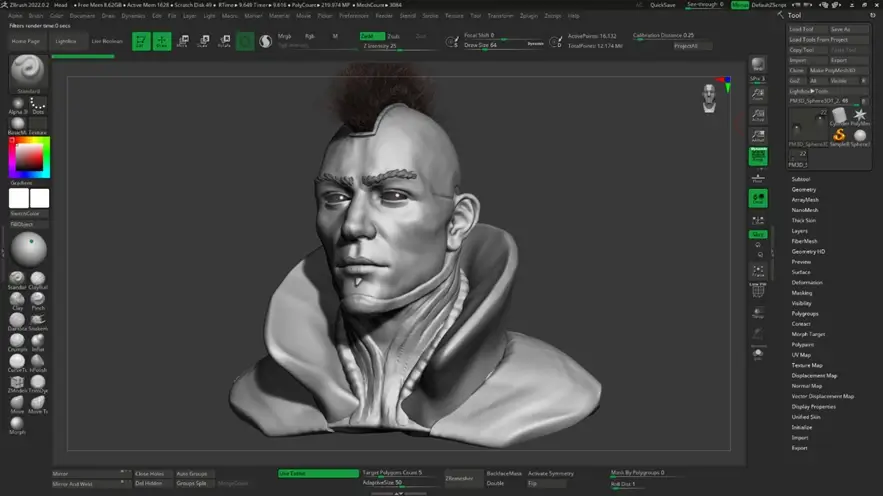
Ideal for: Digital sculpting, organic characters, creatures, figure design, 3D concept art.
Price: ~€380/year (subscription) or ~€895 (perpetual licence).
Strengths:
- The world’s most advanced tool for digital sculpting. It has no rival for organic detail.
- Ability to work with tens of millions of polygons without compromising performance.
- ZRemesher for high-quality automatic retopology.
- Integration with 3D printing for figures and collectibles.
- Pixologic (now Maxon) offers exceptionally high-quality training resources.
Limitations:
- The interface is radically different from any other 3D software — the learning curve is steep.
- Not the right tool for animation, architectural visualisation or technical modelling.
- Needs to be combined with Maya, Blender or 3ds Max for a complete production pipeline.
Best option if: You create characters, creatures, digital sculptures or design for 3D printing of collectible figures.
Maedcore uses ZBrush for: Industrial design concept sculpting and form exploration — evaluating ergonomic shapes and organic surfaces before committing to parametric geometry. ZBrush outputs are never manufactured directly; they must be re-topologised and rebuilt as parametric models in SolidWorks for any part that needs to be injection-moulded or machined.
5. SolidWorks — The Standard in Engineering and Industrial Design
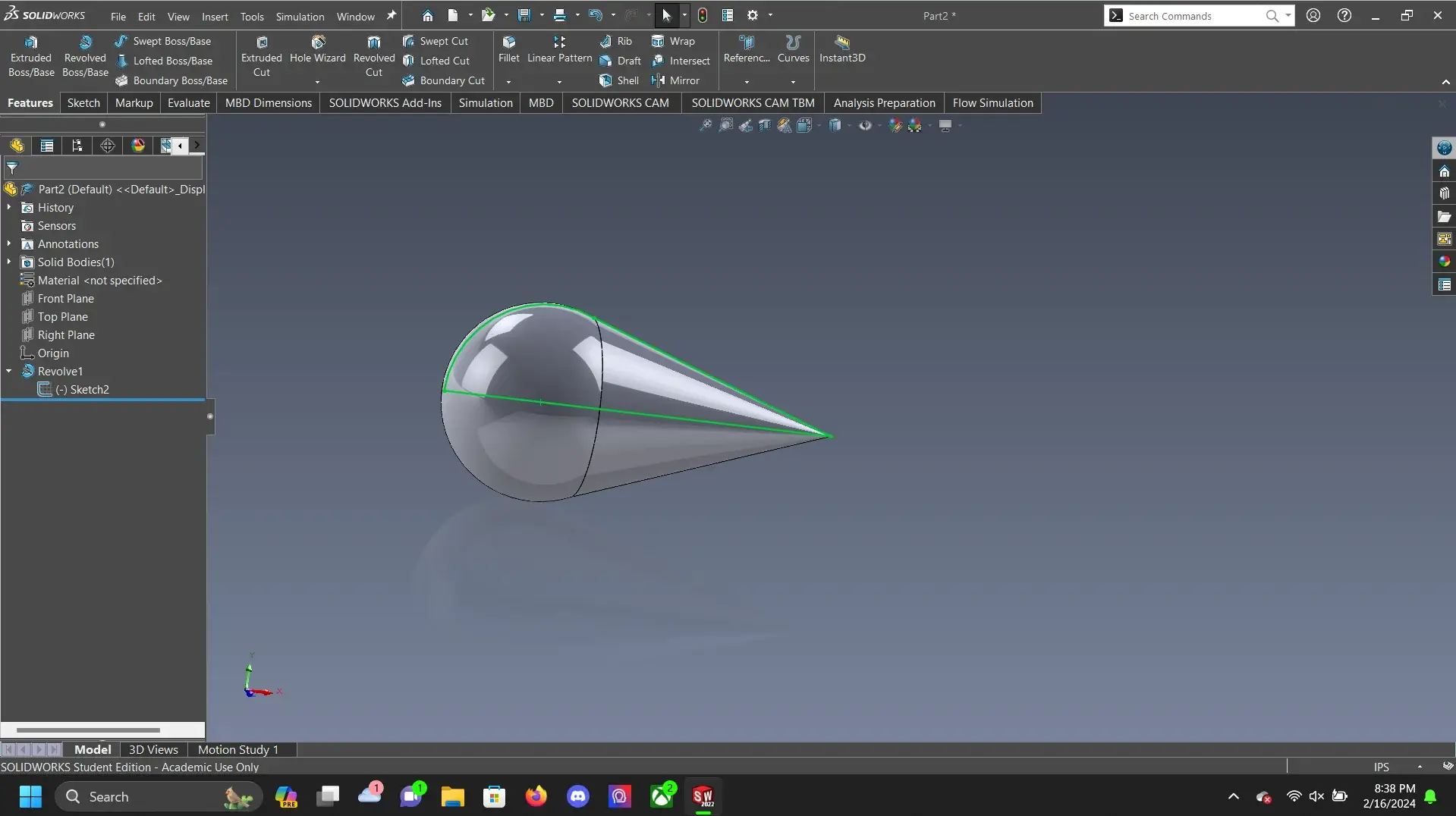
Ideal for: Mechanical engineering, industrial product design, manufacturing, technical 3D printing prototyping.
Price: ~€4,000–6,000/year (varies by modules and licence).
Strengths:
- Precision parametric modelling — every dimension is editable and propagates throughout the model.
- Integrated stress, fluid and motion analysis simulations (with additional modules).
- The standard in industries such as aerospace, automotive, medical devices and machinery.
- Direct export to manufacturing formats (STEP, IGES, DXF) and CAM compatibility.
- Management of complex assemblies with thousands of parts.
Limitations:
- Only available on Windows.
- Very high price — more oriented towards businesses than freelancers or students.
- Not the right software for art, animation or creative projects.
Best option if: Your work requires absolute dimensional precision, actual part manufacturing or certifiable product engineering.
Maedcore uses SolidWorks for: IoT device enclosures, sensor housings, and every product that requires DFM-ready output for injection moulding or machining. The parametric model is the manufacturing handoff — dimensions are not approximations, they are specifications. Tolerance analysis, draft angle validation, wall thickness checks, and snap-fit force calculation via FEA all happen in SolidWorks before anything goes to a manufacturer. STEP and IGES exports go directly to the machine shop or moulding vendor.
Quick Comparison Table
| Software | Price | Best For | Learning Curve |
|---|---|---|---|
| Blender | Free | All types of creative projects | Medium–High |
| Autodesk Maya | ~€2,030/year | Film, animation, AAA video games | High |
| Autodesk 3ds Max | ~€2,030/year | Architecture, visualisation, interior design | Medium |
| ZBrush | ~€380–895 | Organic sculpting, characters, figures | High |
| SolidWorks | ~€4,000–6,000/year | Engineering, manufacturing, industrial design | High |
3D Design at Maedcore: The Right Tool for the Right Context
At Maedcore we use all five tools in production depending on the engineering context. SolidWorks for DFM-critical product design where dimensional accuracy and manufacturing handoff are the deliverable. Blender for VR environment assets and visualisation renders. Maya for product explainer animations. ZBrush for early-stage organic concept sculpting. 3ds Max for facility and architectural visualisation.
If you need industrial 3D design with a manufacturing handoff — IoT enclosures, sensor housings, embedded device casings — we cover the full pipeline from specification to production-ready CAD, tolerance analysis, and photorealistic renders for client approval. Contact Maedcore or see our mechatronics and product design work.
Related reading
From modelling to delivered visualisation — see how we used industrial 3D to sell twin factories in our industrial 3D animation case study, and how we optimised CAD geometry into VR-ready assets running at 72 fps on Meta Quest in our open-air museum VR platform. Explore our immersive experiences services.
To see where that pipeline ends up when the destination is a sale rather than a render, read how a SolidWorks or CATIA model becomes a full-scale demo in Maedcore’s VR showroom for industrial machinery — including why most of the timeline goes into polygon reduction and texture baking, not the VR build itself.
About the Author
Robotics Engineer
For over a decade, I have been driven by a single mission: leveraging AI and robotics to build a world of automated production. I believe that by creating self-sufficient systems, we can empower people to refocus on what truly matters—their families and their passions. My expertise spans from winning prestigious European startup competitions to architecting complex, integrated hardware and software projects. I specialize in bridging the gap between today's industrial challenges and tomorrow's autonomous solutions.
Frequently Asked Questions
What is the best 3D modeling software for industrial VR in 2026?
Is Blender suitable for industrial 3D modeling?
What is retopology and why does it matter for industrial VR?
What software does Maedcore use to prepare CAD models for VR?
Which 3D modeling software is best for beginners?
Ready to transform your company?
Book a free 30-minute meeting with an engineer.