OmniViewer in Action: Inside Maedcore's VR Showroom for Industrial Machinery
See how OmniViewer places industrial machinery in VR at 1:1 scale, from CAD file to a live guided demo, with real footage of the platform in action.

Written by Eduardo Fuentevilla Blanco
Robotics Engineer at Maedcore · Robotics Engineer LinkedIn ↗
Key Takeaways
- ► OmniViewer places a 1:1-scale digital twin of industrial machinery inside a VR environment, viewable on Meta Quest, Apple Vision Pro, HTC Vive, or any WebXR browser.
- ► The same platform that replaces a €40,000-100,000 trade-show booth also lets buyers configure materials and finishes before a single unit is manufactured.
- ► Setup runs 3-4 weeks from CAD submission to a ready-to-use experience, most of it spent on 3D asset optimisation rather than the VR build itself.
- ► Pricing runs from €890/month for a single experience to a custom enterprise tier with ERP/PLM integration and SSO.
- ► A free sample build is available before any commitment -- send a CAD file, 3D model, or reference photos.
Exhibiting a five-tonne machine at a European trade show still costs €40,000–€100,000 per show, and reaches whoever happens to walk the aisle that week. OmniViewer, Maedcore’s VR showroom platform, exists to remove that constraint entirely: it places an exact 1:1-scale replica of the machine in front of a buyer anywhere in the world, on a headset or a browser, with nothing shipped and nothing built twice. Here’s what that actually looks like, end to end — from a CAD file on an engineer’s desk to a live guided demo on the other side of the planet.
A Machine That Doesn’t Exist Yet, Sold Anyway
Picture a mid-size manufacturer of CNC machine tools. The newest unit in the catalogue is still on the shop floor being commissioned, and the next trade show that matters to this segment is four months out. Flying it there isn’t really an option — heavy transport and rigging alone runs €15,000–€40,000 per show, before booth space, build, staff travel, and marketing are even added up.
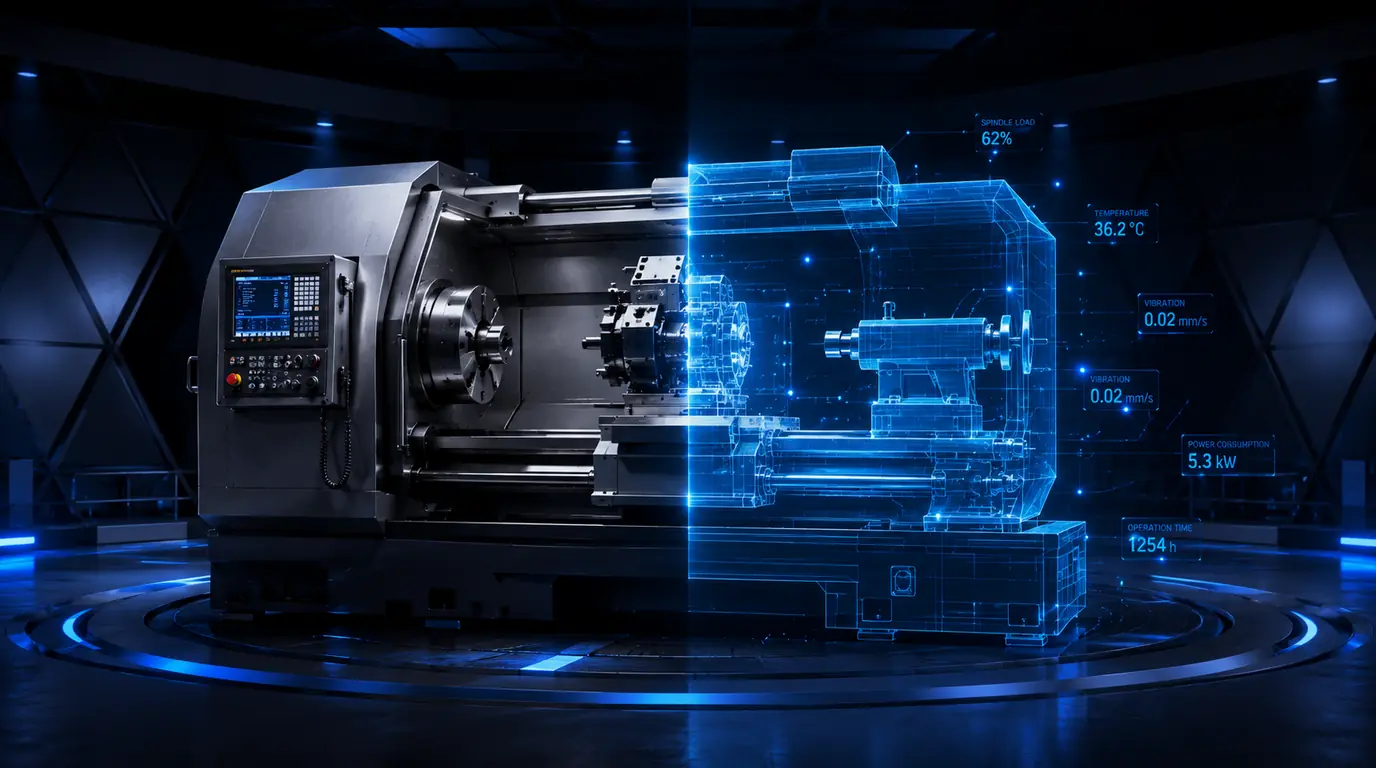
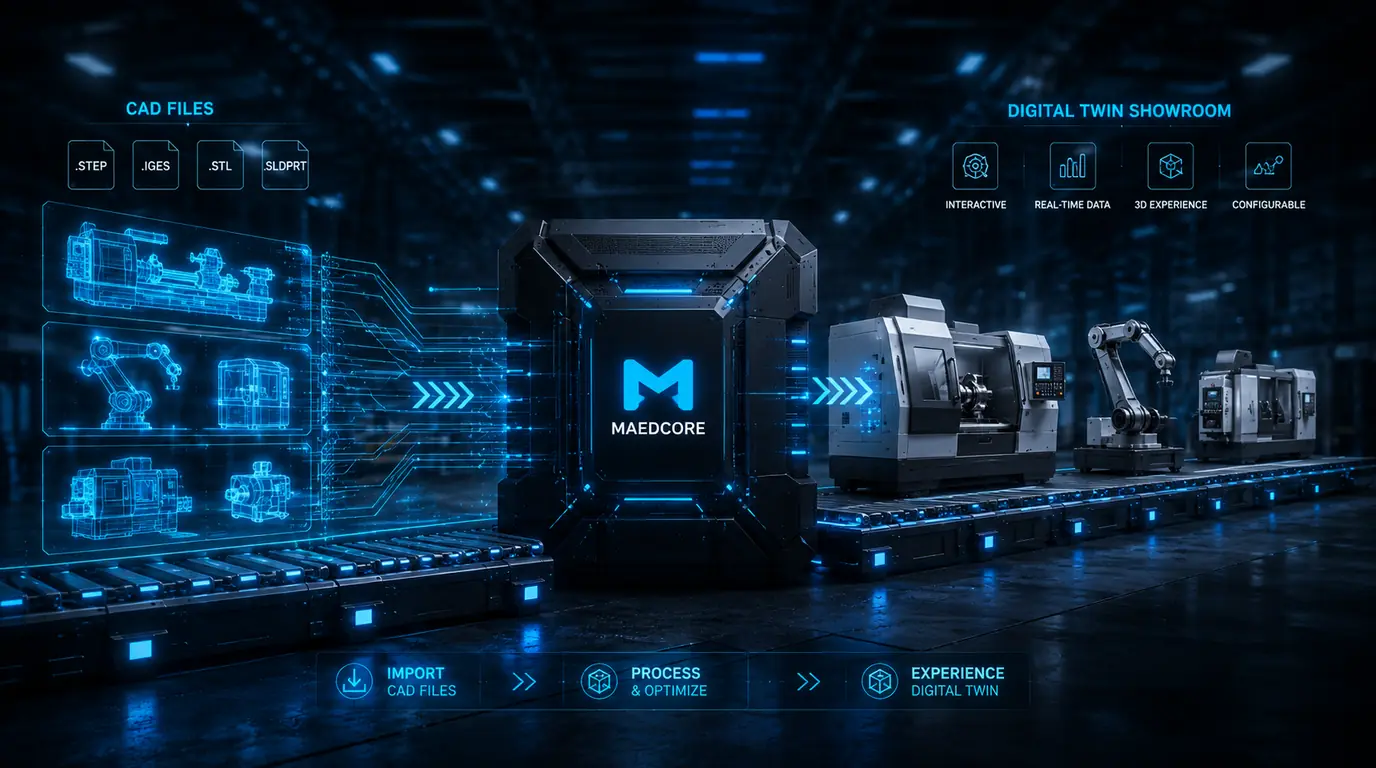
This is the exact wall OmniViewer is built to remove. Instead of waiting for the machine to be finished, shipped, and set up on a stand, the sales team sends the CAD files to Maedcore. Three to four weeks later, they have a VR-ready digital twin of the machine, accurate down to the panel lines and the safety cage geometry — and they can put a buyer inside it that same week, from a laptop browser or a headset, regardless of where either of them happens to be.
What OmniViewer Actually Does
OmniViewer takes a 3D source — a CAD export, a BIM model, a photogrammetry scan, or a standard 3D asset — and turns it into a real-time, headset-ready experience. The platform handles the parts that would otherwise need a specialist studio: scaling the model to true size, lighting it correctly, and anchoring it inside a chosen environment so it reads as a real object in a real place rather than a floating render.
Product visualisation is one of several fronts where virtual reality earns its keep in industry — alongside training, design review, and remote-assisted maintenance — and it’s the one with the shortest path to a number a sales director can check.
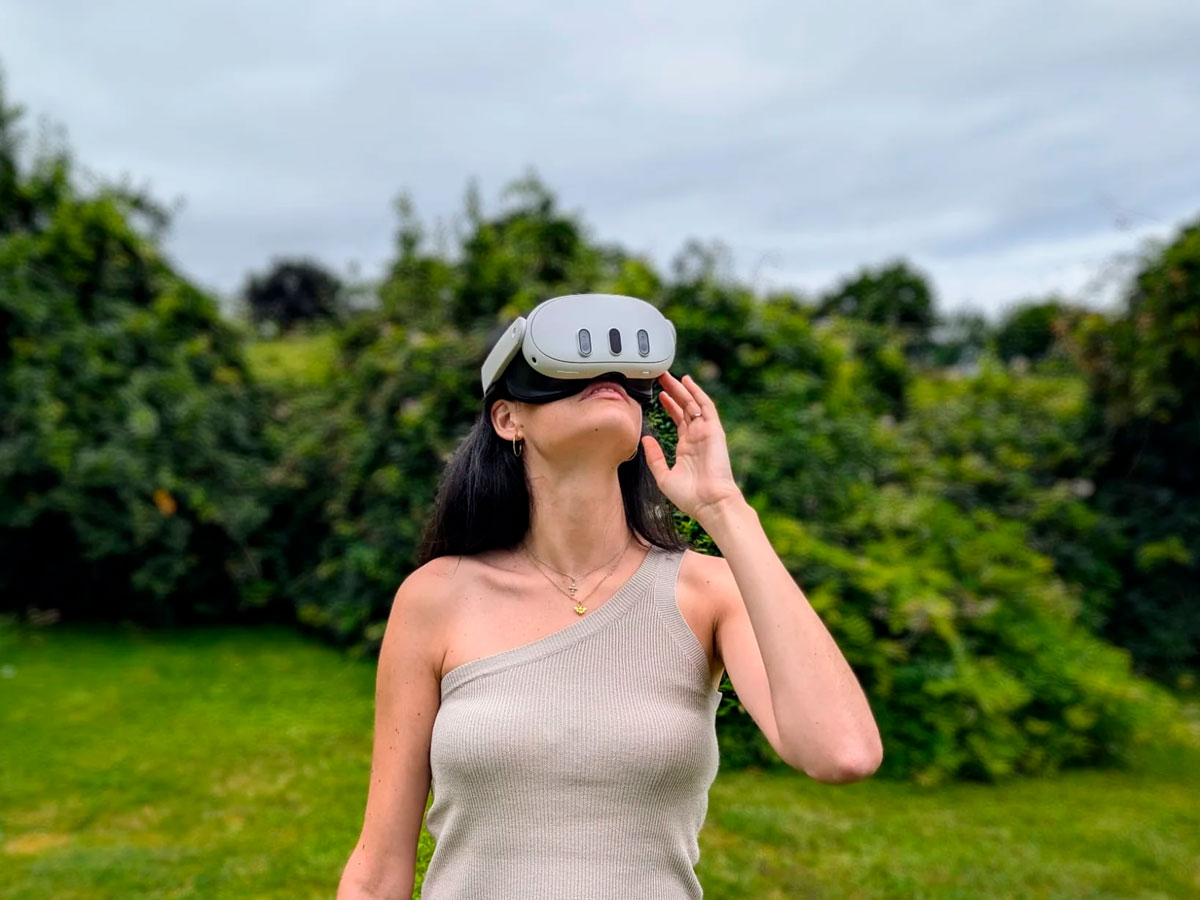
Once the twin is built, it’s compatible with Meta Quest, HTC Vive, and Apple Vision Pro out of the box, and with any WebXR-capable browser for a no-headset preview. Keeping a multi-tonne machine smooth on a standalone headset is an engineering problem in its own right — we’ve written up the performance budgets and field-deployment constraints that drive those decisions. Two session formats cover most of the ways this actually gets used in the field: a co-piloted demo, where a sales rep drives the walkthrough on a video call while the buyer watches and asks questions, and a fully self-navigable session for buyers who’d rather explore on their own schedule.
Inside a Session: The World, the Product, the Reaction
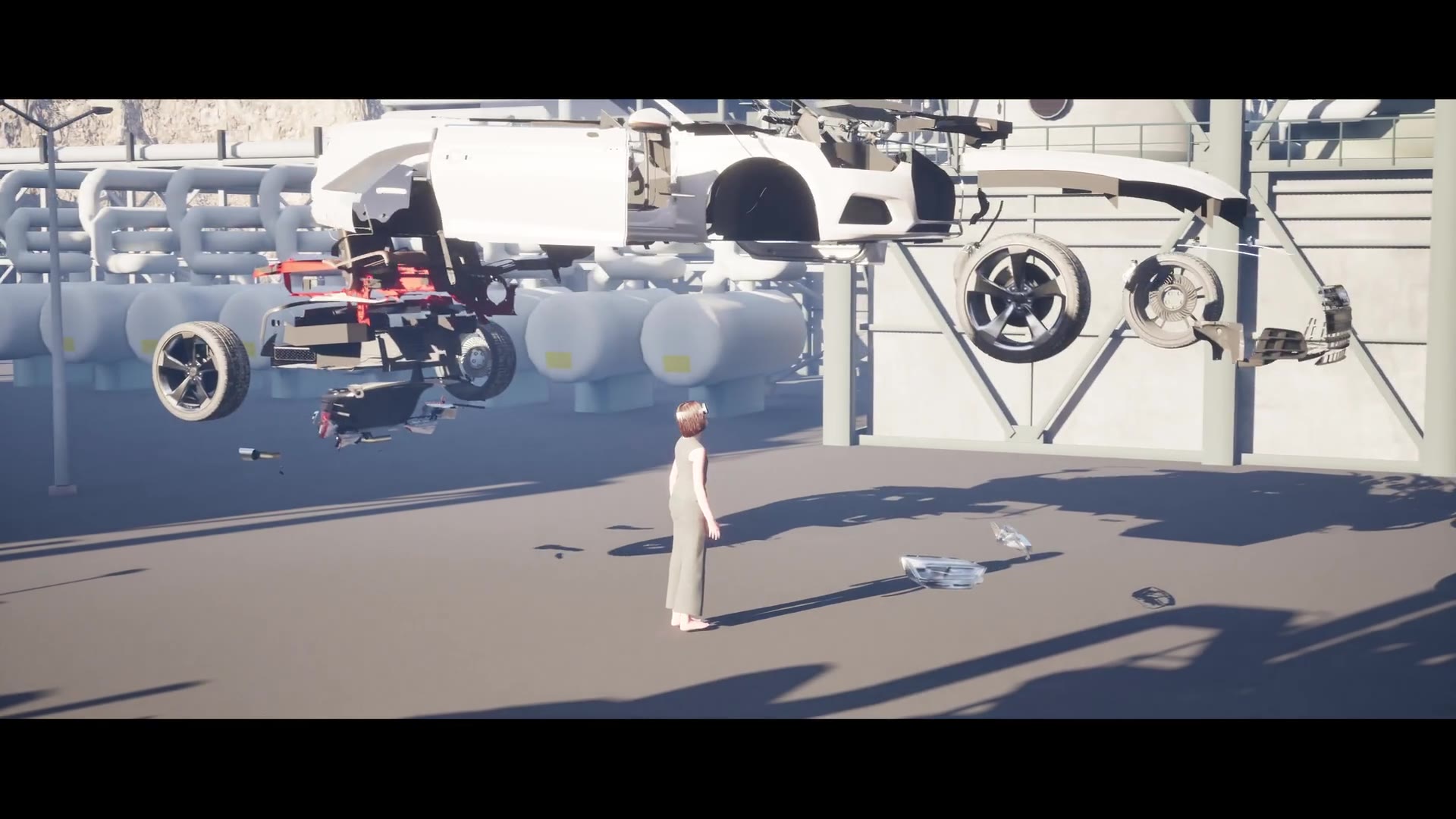
A session starts with an environment. OmniViewer ships with a library of photorealistic settings — a factory floor, a refinery, a water treatment plant, an open desert site, a forest clearing for equipment that will eventually work outdoors — or a custom space built from the client’s actual site data, so the machine can be shown in the exact plant it will eventually occupy.
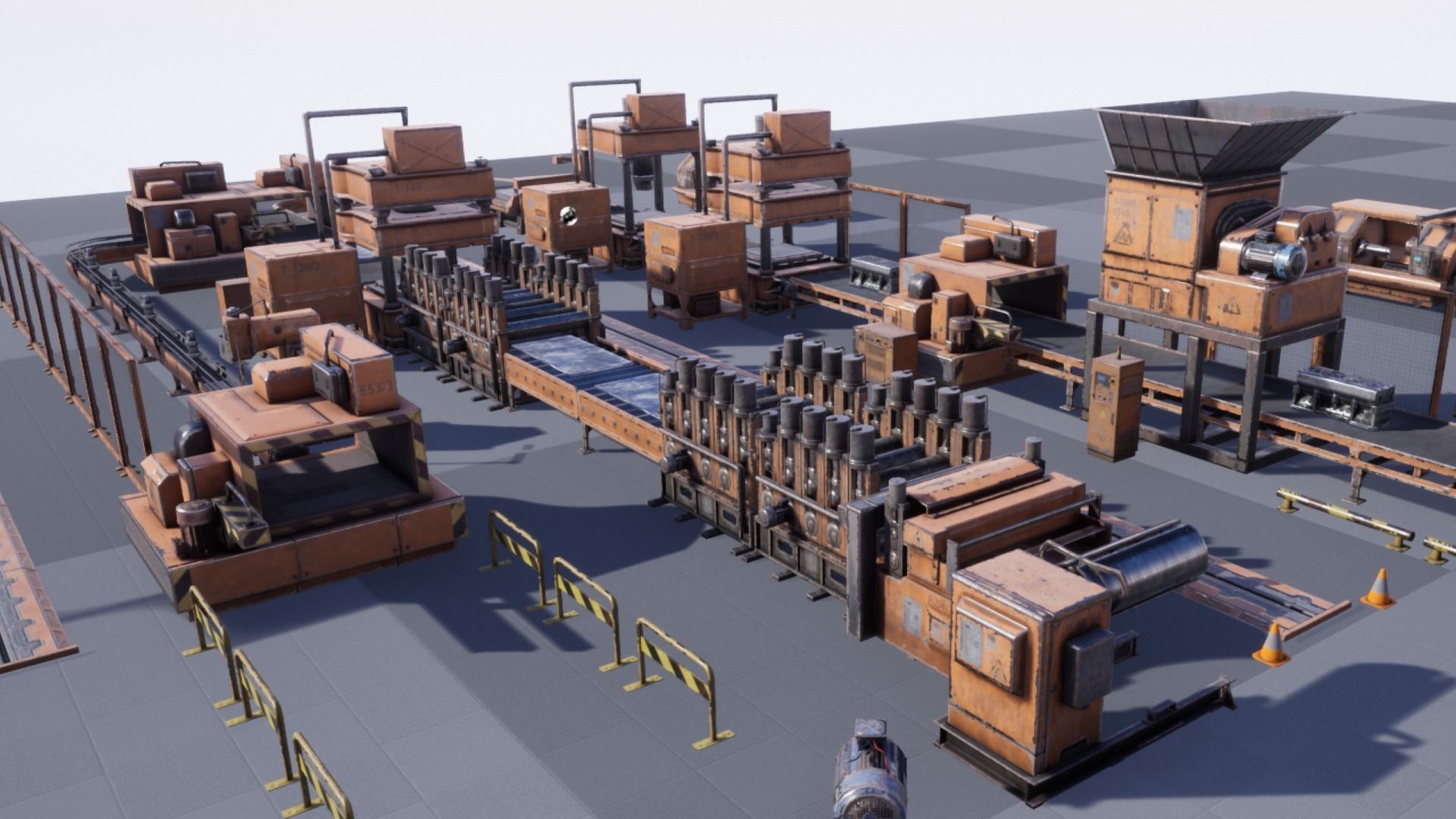
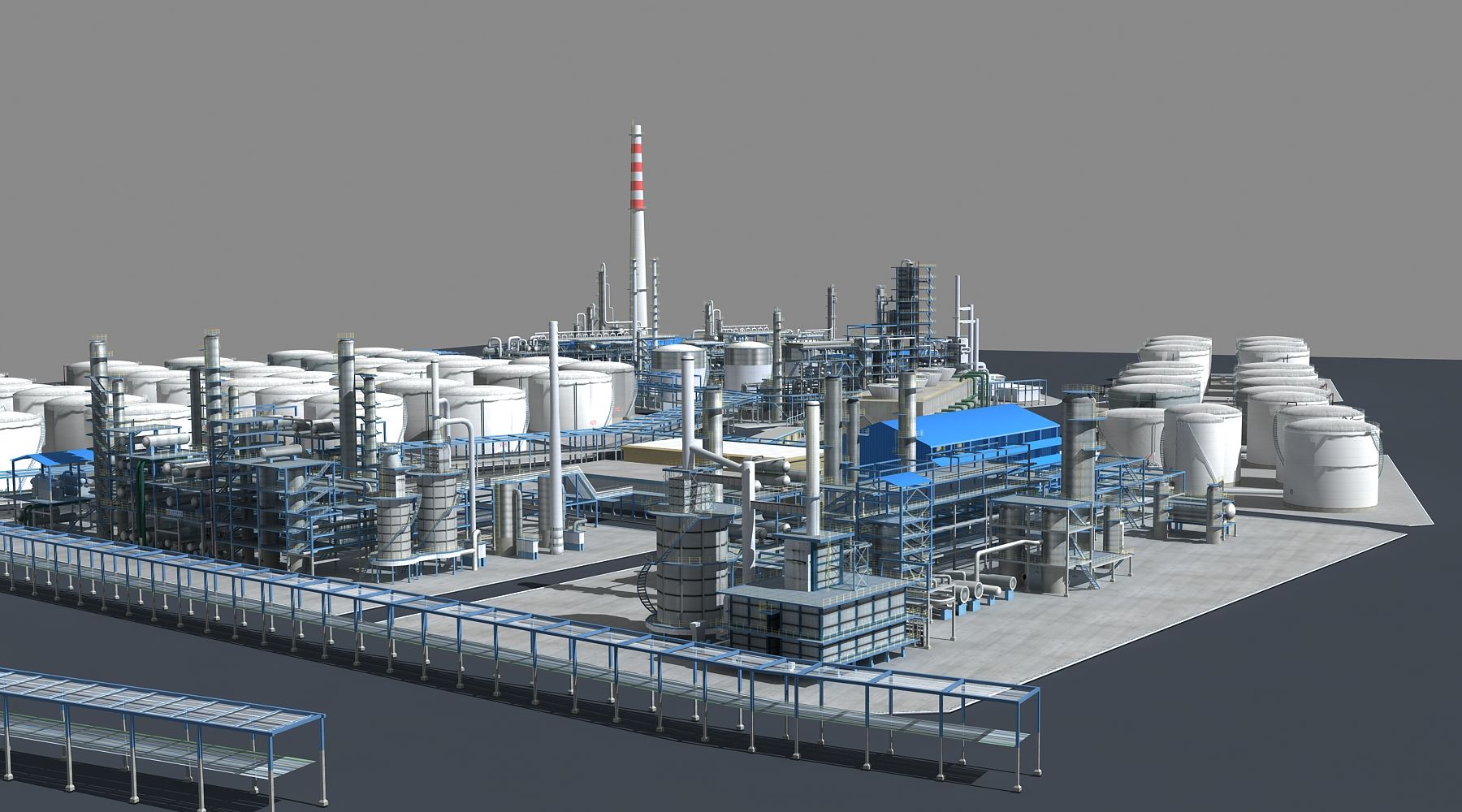
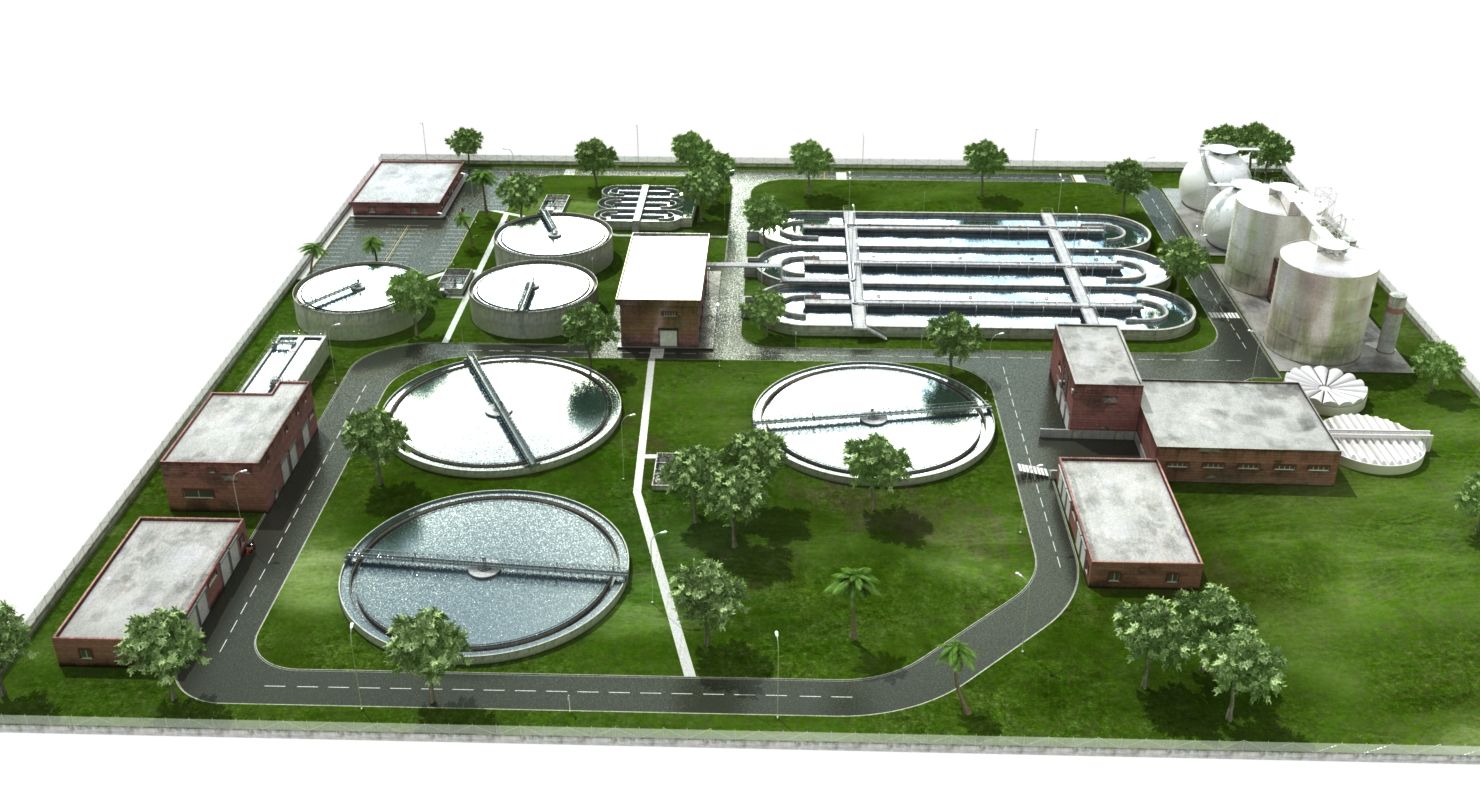
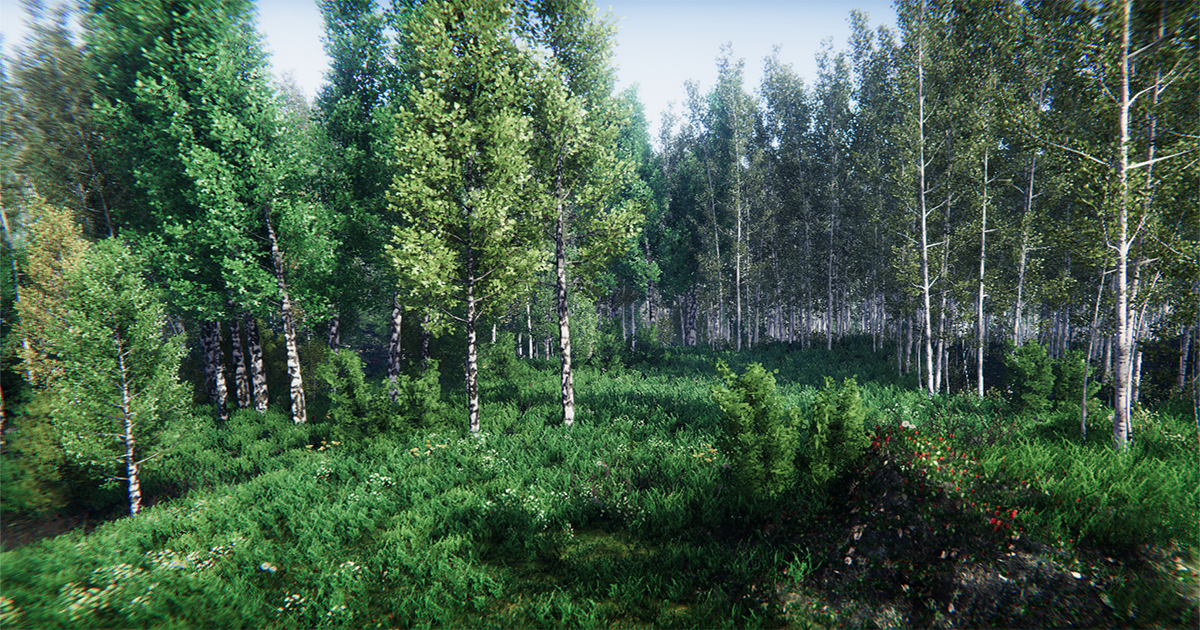
From there the product drops in. Import is fast enough that a sales engineer can anchor a new machine into a chosen scene in seconds once the digital twin exists, scaled and lit automatically to match the environment. Then the headset goes on — and this is the part every team that’s run one of these sessions describes the same way: the moment a buyer walks around a multi-tonne machine at true scale, actual size perception replaces guesswork, and hesitation that would normally take three site visits to resolve tends to collapse into a single call.
From CAD File to Live Demo: What the 3–4 Weeks Actually Involve
The process from a submitted CAD file to a ready-to-use OmniViewer experience runs three to four weeks, and most of that time doesn’t go into the VR build itself — it goes into the step teams consistently underestimate: optimising engineering-grade CAD for real-time rendering. A SolidWorks or CATIA export designed for structural analysis carries millions of polygons meant for precision, not frame rate; turning that into something a headset can render smoothly at 90 frames per second takes polygon reduction and texture baking before anything else happens. We’ve covered that CAD-to-digital-twin workflow in more depth elsewhere, including where the estimating mistakes usually happen.
That prep work isn’t done by any single tool: SolidWorks supplies the engineering geometry and Blender handles retopology and baking, among others depending on the job — here’s how we pick between them.
Once the optimised model exists, the remaining steps move quickly: placing it inside the chosen environment, configuring the material and finish options that will be switchable live, and a QA pass to confirm the experience holds up on the actual headset hardware a sales team will use in the field. Additional products on an already-active plan move faster still, since the environment and pipeline work is already done.
Deciding Before a Single Unit Is Manufactured
The feature that matters most for capital equipment isn’t the walkthrough itself — it’s what happens after the buyer stops being impressed and starts negotiating. OmniViewer includes real-time material and finish switching, so a prospect can see paint colours, surface textures, and panel options changed live inside the same session, before manufacturing has locked anything in. For machinery with long lead times, that turns a spec conversation that would normally happen over email attachments and swatch samples into something decided in the room, in minutes.
Why This Beats a PDF, a Video, or Another Trade-Show Booth
A product PDF and a recorded video both suffer from the same limitation: they show the machine from someone else’s chosen angle, at someone else’s chosen moment. A VR showroom hands that control to the buyer. It’s the same underlying argument we’ve made the financial case for separately: a €40,000–€100,000-per-show line item can be replaced by a platform that runs the same demo an unlimited number of times, for a fraction of one event’s cost, without a shipping crate ever leaving the warehouse.
The comparison holds up even against the newest CAD-to-showroom pipelines on the market — see our side-by-side cost and conversion breakdown — and against a plain digital twin without the VR layer, which shows the geometry but not the scale, the lighting, or the walk-around that actually moves a buyer’s confidence.
What It Costs
OmniViewer is priced in three tiers. Viewer Starter (from €890/month) covers a single interactive VR experience with cloud hosting and basic analytics — the right entry point for a team testing the model on one flagship product. Viewer Pro (from €1,990/month) adds up to five independent experiences, CRM integration, lead capture, and interaction heatmaps, for technical sales and marketing teams running multiple product lines. Viewer Enterprise is custom-priced for industrial groups and OEMs that need unlimited experiences, full white-labelling, ERP/PLM/PDM integration, and an SLA.
Set against a single €40,000–€100,000 trade-show appearance, the break-even math we’ve walked through elsewhere tends to land in a small handful of additional closed deals per year — after which every further demo run costs essentially nothing extra.
Getting Your Own Free Sample
The fastest way to evaluate any of this is to see your own product inside it, not someone else’s. Send a CAD file, a 3D model, or even a handful of reference photos and dimensions, and Maedcore will build a free preview of how that specific machine looks inside OmniViewer — no cost, no commitment, before any decision gets made.
Related reading
- VR Showroom for Industrial Machinery Sales: How to Close More Deals Without Moving the Equipment
- Virtual Showroom vs. Industrial Trade Show Booth: A Real Cost and ROI Comparison
- How to Calculate the ROI of a Virtual Demo for Industrial Machinery Sales
- Virtual Reality in Industry: Use Cases, Benefits and Key Technologies
- VR Training vs. Traditional Classroom Training: ROI Comparison for Manufacturing
About the Author
Robotics Engineer
For over a decade, I have been driven by a single mission: leveraging AI and robotics to build a world of automated production. I believe that by creating self-sufficient systems, we can empower people to refocus on what truly matters—their families and their passions. My expertise spans from winning prestigious European startup competitions to architecting complex, integrated hardware and software projects. I specialize in bridging the gap between today's industrial challenges and tomorrow's autonomous solutions.
Frequently Asked Questions
Do I need a VR headset to use OmniViewer?
Can I use my existing CAD files directly?
How long does setup take?
Can multiple people join the same session?
Ready to transform your company?
Book a free 30-minute meeting with an engineer.