Virtual Reality in Industry: Use Cases, Benefits and Key Technologies
Discover how virtual reality is transforming industrial training, design and maintenance. Real cases, technologies and measurable ROI with VR in business.

Written by Eduardo Fuentevilla Blanco
Robotics Engineer at Maedcore · Robotics Engineer LinkedIn ↗

What Is Industrial Virtual Reality?
Industrial virtual reality (VR) is the application of immersive three-dimensional environments, generated by computer and visualised through VR headsets such as Meta Quest, HTC Vive or Varjo, to production, engineering and training processes. Unlike recreational use, industrial VR prioritises precision, integration with CAD/BIM systems and corporate scalability.
Main VR Use Cases in Industry
Training and Risk Simulation
VR environments make it possible to replicate highly dangerous situations — fires, chemical explosions, electrical accidents — where workers practise safety protocols without any real risk. The benefits are clear:
- Reduction in workplace accidents by improving emergency response.
- Lower cost compared to physical drills with real materials and equipment.
- Traceability: the system records every trainee decision for evaluation.
3D Product Design and Review
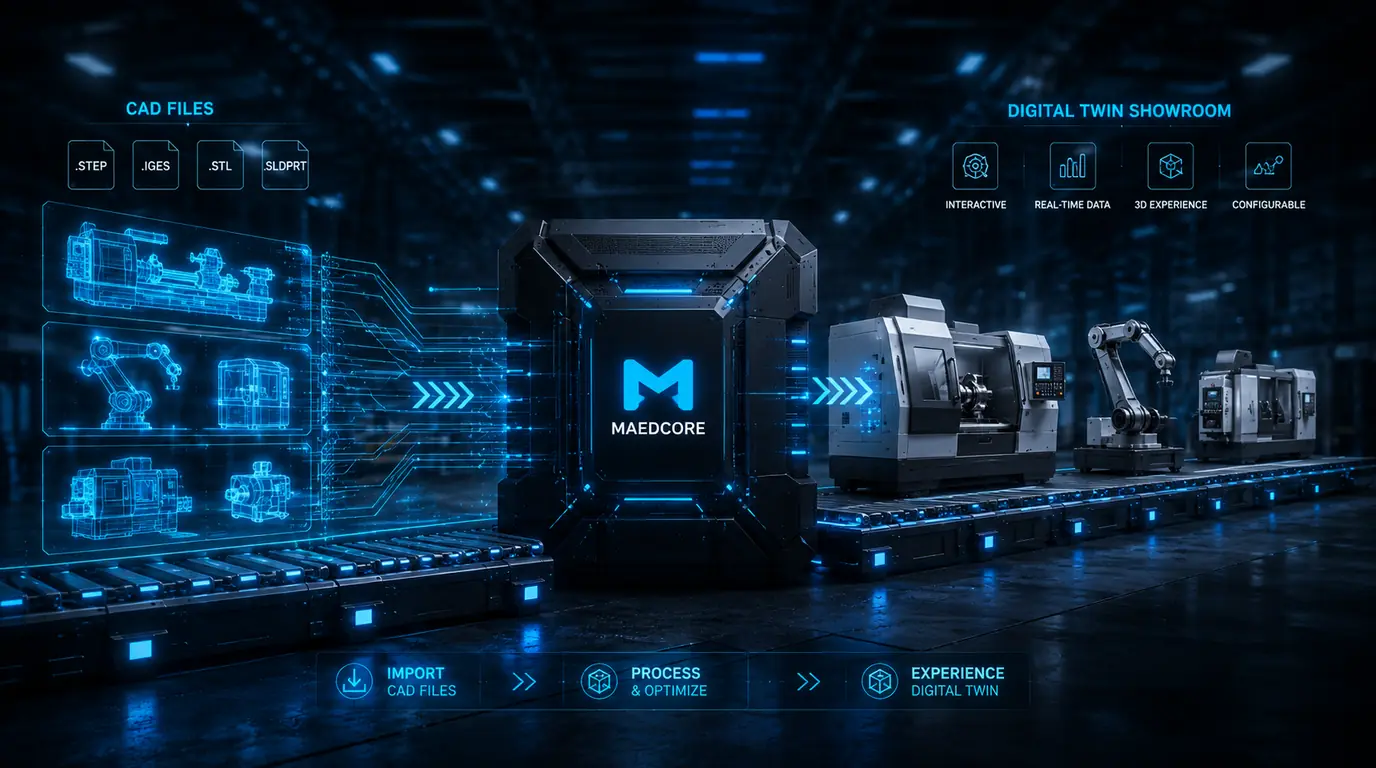
Engineers and designers can visualise full-scale prototypes before manufacturing a single part. Integration with CAD software (SolidWorks, CATIA, Autodesk) allows models to be imported directly into the virtual environment for collaborative real-time reviews, even with globally distributed teams.
Remote-Assisted Maintenance
Expert technicians remotely guide on-site operators using augmented reality overlays or shared VR sessions. This reduces travel, accelerates incident resolution and is especially valuable for hard-to-access assets (offshore plants, wind turbines, mines).
Plant Layout Planning and Digital Twins
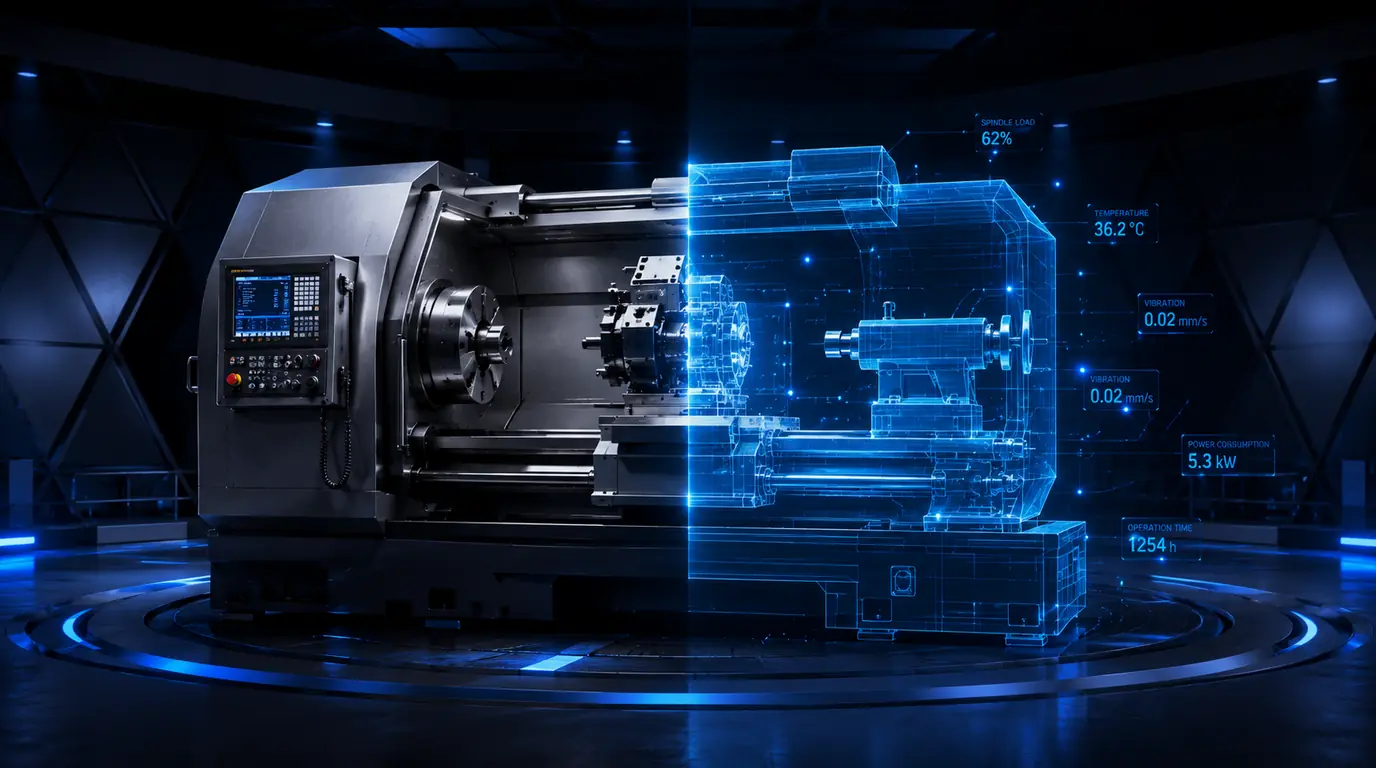
VR combined with digital twins allows changes to plant layout, production flows or the installation of new machinery to be simulated before physical execution, reducing reconfiguration costs and planning errors.
Enabling Technologies
| Technology | Role in Industrial VR |
|---|---|
| VR Headsets (Meta Quest 3, Varjo XR-4) | Immersive visualisation device |
| 3D Engines (Unity, Unreal Engine) | Rendering of virtual environments |
| CAD/BIM Integration | Import of real design models |
| Cloud Rendering | Graphic processing without powerful local hardware |
| Hand and Body Tracking | Natural interaction without controllers |
| 5G / Edge Computing | Minimum latency for multi-user experiences |
ROI and Success Metrics
Before investing, it is essential to define clear KPIs:
- Training time: how much is reduced compared to the traditional method?
- Knowledge retention rate: PwC’s 2020 study “The Effectiveness of Virtual Reality Soft Skills Training” found VR learners were more confident and faster to train than classroom and e-learn cohorts (PwC).
- Accident reduction: pre/post implementation comparison.
- Cost per training hour: VR amortises the initial investment beyond a certain training volume.
- Design cycle time: reduction in physical prototype iterations.
Adoption Barriers and How to Overcome Them
High initial cost: Industrial VR projects have a development cost that may seem high, but a 3-year TCO (total cost of ownership) analysis usually demonstrates net savings compared to traditional methods.
Resistance to change: Team training and internal communication of the benefits are critical for adoption.
Integration with legacy systems: A well-designed API architecture allows the VR platform to connect with existing ERP, LMS or SCADA systems.
Standalone vs. Tethered Headsets: Which to Choose
The hardware decision shapes the entire project. There is no universally “best” headset: the right choice depends on where the experience runs and how much graphical fidelity the use case demands.
| Criterion | Standalone (Meta Quest 3, Pico 4) | PC-Tethered (Valve Index, Varjo XR-4) |
|---|---|---|
| Setup | No PC, no cables — works on the factory floor | Requires a VR-capable PC and cabling |
| Graphical fidelity | Good; optimised mobile GPU | Highest; workstation GPU |
| Best for | Training, trade shows, multi-site rollouts | Engineering review, photoreal design validation |
| Mobility | Fully portable, battery-powered | Stationary, tied to the PC |
| Cost per unit | Lower (€400–700) | Higher headset + PC (€2,000+) |
| Scalability | Easy — clone the app to many devices | Limited by PC count |
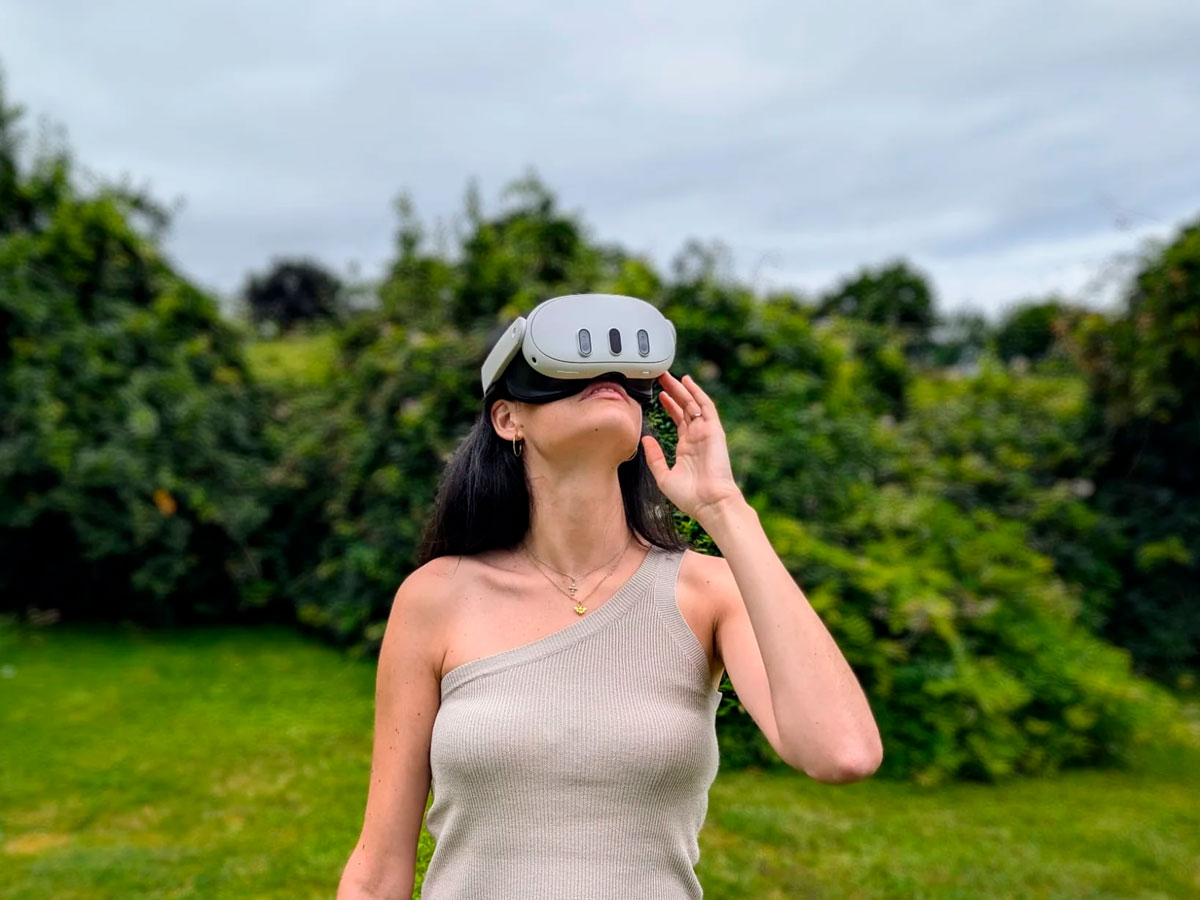
For most industrial training and visualisation, standalone wins on logistics: it deploys anywhere, scales to many users cheaply, and survives an outdoor or shop-floor environment. Tethered headsets remain the choice when a design review needs the absolute highest visual precision. A common pattern is to author once in the 3D engine and target both — standalone for the field, tethered for the design office.
How to Start an Industrial VR Project
Adopting VR does not require replacing existing processes overnight. A staged approach controls cost and risk:
- Define one measurable use case. Pick a single, high-value problem: a hazardous procedure that is expensive to train, or a machine that is costly to ship to clients and can instead be shown at 1:1 scale inside a VR showroom for industrial machinery rather than physically moved. A narrow scope produces a clear ROI signal.
- Reuse existing assets. If you already have CAD or BIM models, a large part of the 3D content is done. Importing existing geometry (SolidWorks, CATIA, Revit) is far cheaper than modelling from scratch.
- Build a pilot, not the full platform. A single-environment proof of concept validates both the technology and user acceptance before committing to a multi-scenario rollout.
- Measure against the baseline. Track training time, error rates, or sales-cycle length before and after. These numbers justify the next phase.
- Scale what works. Once the pilot proves out, the same engine project extends to additional environments, languages, and devices at marginal cost.
This is the path we follow with industrial clients: prove value in one scenario, then expand. It keeps the initial investment small and tied to a result you can see.
Related reading
- VR Training vs. Traditional Training: the training-specific ROI comparison against classroom instruction.
- VR Showroom for Industrial Machinery Sales: the sales-side application, showing the machine without shipping it.
- Maedcore — Immersive Experiences — what we build in this area.
About the Author
Robotics Engineer
For over a decade, I have been driven by a single mission: leveraging AI and robotics to build a world of automated production. I believe that by creating self-sufficient systems, we can empower people to refocus on what truly matters—their families and their passions. My expertise spans from winning prestigious European startup competitions to architecting complex, integrated hardware and software projects. I specialize in bridging the gap between today's industrial challenges and tomorrow's autonomous solutions.
Frequently Asked Questions
What is virtual reality used for in industry?
How does VR training work in manufacturing?
What hardware is needed for industrial VR?
How much does industrial VR development cost?
What is the difference between VR, AR, and a digital twin in industry?
Ready to transform your company?
Book a free 30-minute meeting with an engineer.