Standalone VR for Field Deployment: An Engineering Guide
Shipping standalone VR outside the lab: frame-rate budgets, gaze UX for first-time users, multi-source asset pipelines, and offline field deployment.

Written by Eduardo Fuentevilla Blanco
Robotics Engineer at Maedcore · Robotics Engineer LinkedIn ↗

When VR Leaves the Lab
A VR experience that runs beautifully on a developer’s tethered rig is a different engineering problem from one that has to work on a worker’s head, on a factory floor or an outdoor venue, all day, with no PC and no guaranteed network. The visuals are the easy part. The hard part is everything around them: the performance budget the mobile hardware forces on you, the navigation a first-time user can actually operate, integrating content from sources you don’t control, and keeping a fleet of headsets running in an uncontrolled environment.
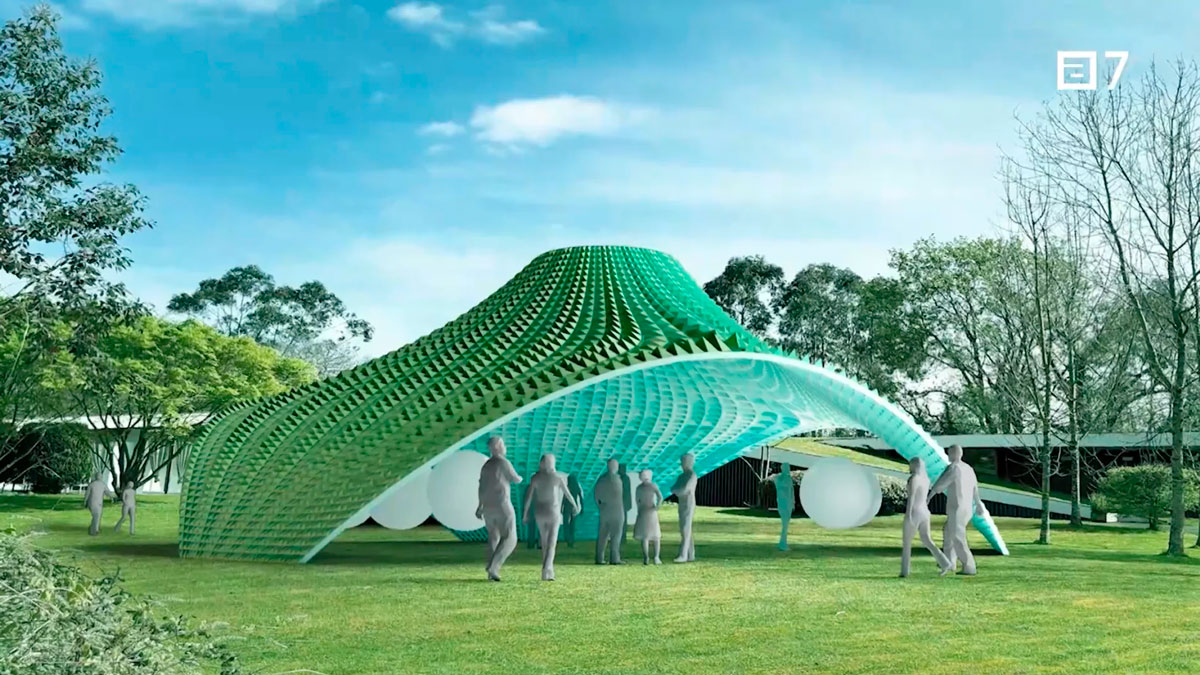
This guide walks through the four engineering problems that decide whether a standalone VR deployment survives contact with the real world — drawn from what we’ve shipped at Maedcore. For a worked example of all four solved at once, see our open-air VR museum case study: a 9-environment platform built from six independent artists’ assets and field-deployed outdoors.
1. The Hardware Constraint That Drives Every Decision
Standalone headsets run on a mobile-class SoC with shared memory and no discrete GPU, and the platform enforces a hard frame-rate floor — 72 fps on current Meta Quest hardware. Miss it and the compositor judders; the user gets disoriented and takes the headset off. Everything else is downstream of holding that number.
In practice that means designing to fixed budgets rather than “as good as it looks”:
- Triangles — a per-environment cap (on the order of 500k in-frustum). Film-quality meshes need decimation passes that preserve silhouette without wrecking UV seams.
- Draw calls — kept low (roughly under 150/frame) via static batching and GPU instancing.
- Texture memory — capped, with textures compressed to ASTC (the Adreno GPU’s native format), which cuts VRAM substantially versus uncompressed source.
- Lighting — real-time dynamic lighting is the first thing to go. Baked lightmaps and probes keep frame time deterministic.
The discipline that matters isn’t any single technique — it’s a performance-validation gate: every scene profiled on the physical device before it ships, and anything over budget sent back. Pretty-but-occasionally-juddery fails the gate.
2. Designing Navigation for People Who’ve Never Used VR
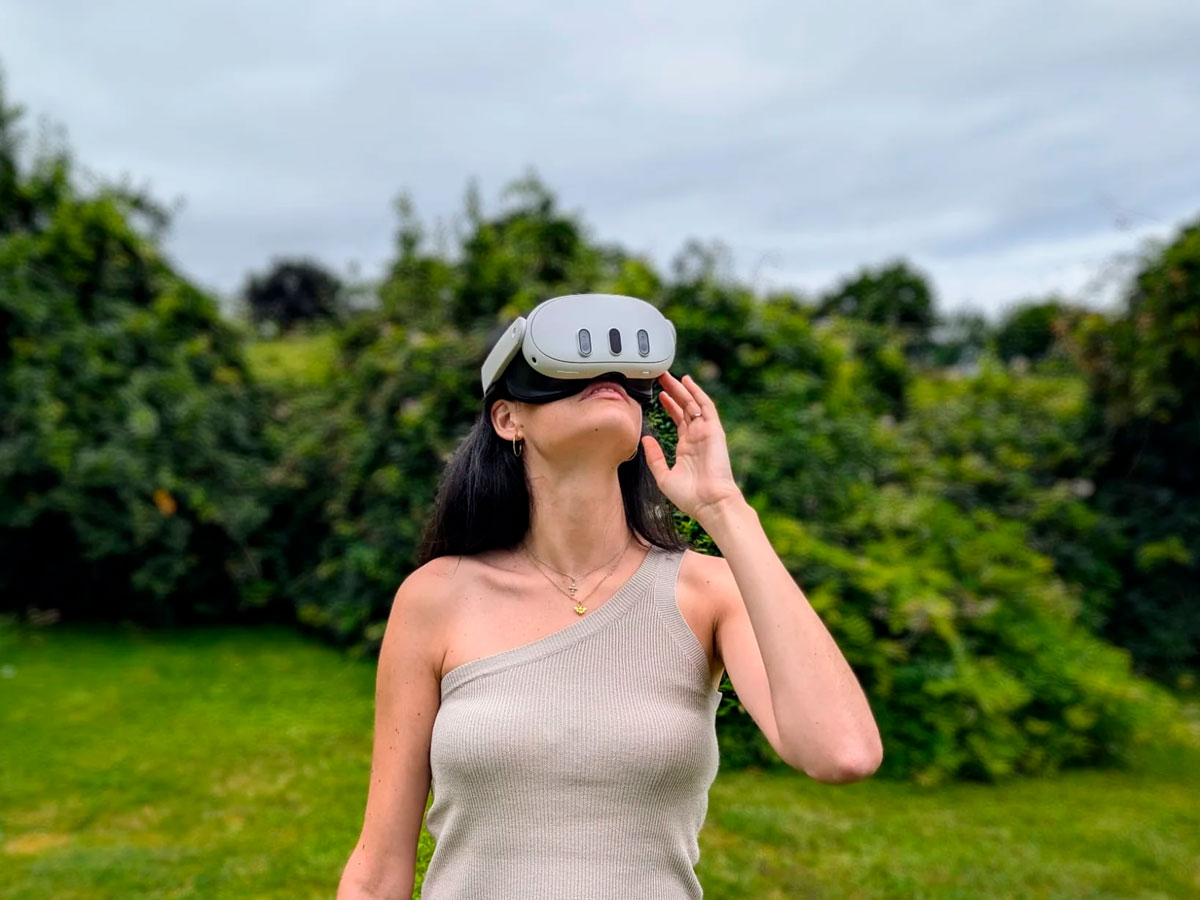
If your deployment is public — or just staffed by people who aren’t VR users — the interface can’t assume controller literacy. Abstract menus and button combos don’t survive contact with a first-time user.
The pattern that works is gaze-and-hold: the user looks at a target for a short, calibrated dwell time to select it, with a visible radial progress indicator. No buttons, no menus. The dwell time is the whole game — too short and natural eye movement triggers accidental selections; too long and it feels broken. Around three seconds, with clear visual feedback, is the sweet spot we’ve landed on in user testing.
Pair that with session-state management the operator never has to touch: track progress, restore state if the headset comes off mid-session, and prompt to wrap up after a time limit so the next person can start.
3. Integrating 3D Assets From Sources You Don’t Control
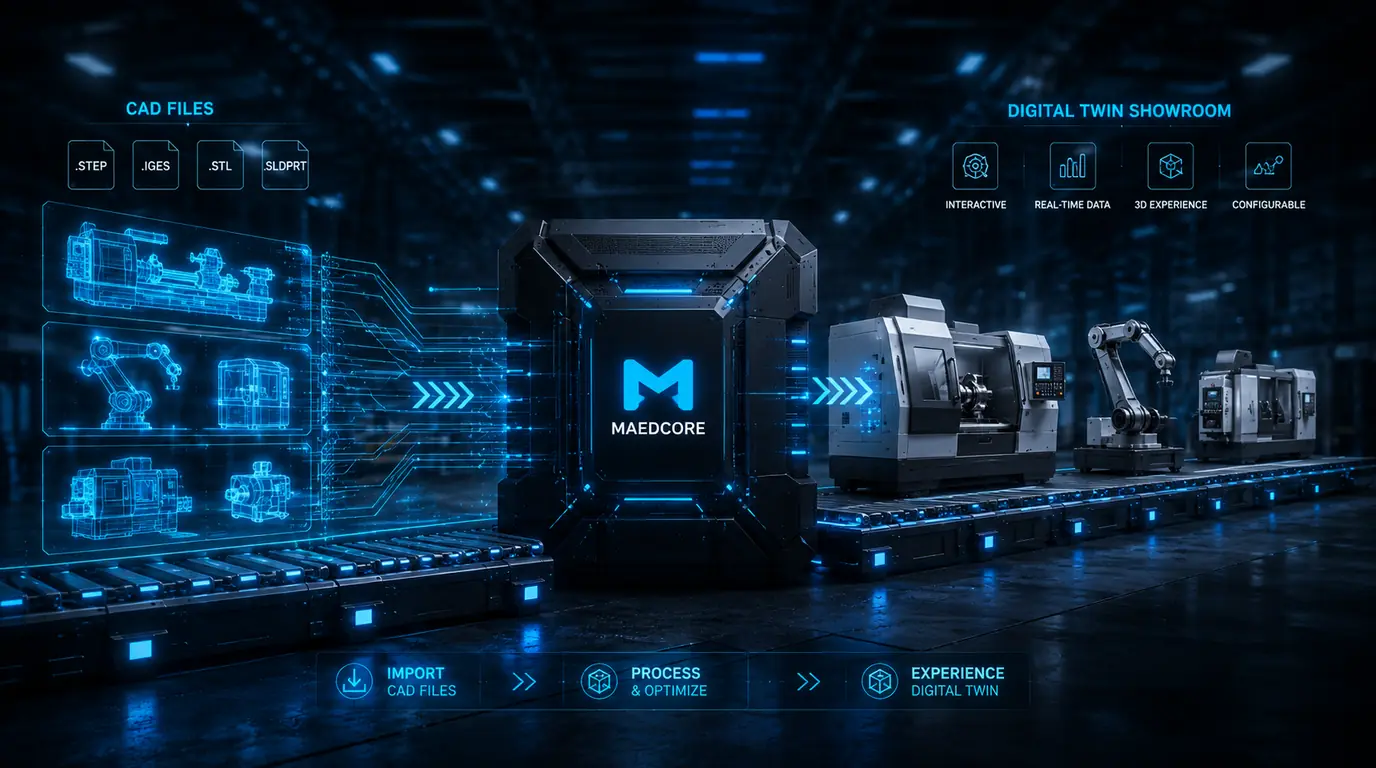
Real deployments rarely use content authored entirely in-house. Assets arrive from multiple teams or vendors, in different tools (Unity, Blender, Maya, Unreal, raw exports), with inconsistent scale, materials, and performance profiles. Ingesting that without it becoming a swamp requires a pipeline, not heroics:
- Standardise format — convert everything to one intermediate with consistent scale and orientation.
- Remap materials — rebuild to mobile-compatible shaders against the author’s reference renders, so intent survives the optimisation.
- Automated validation gate — profile triangle count, draw calls, and texture memory; bounce anything over budget back with specific tasks.
- Bake lighting per scene with the runtime constraints already applied.
The point of the gate is to catch performance regressions before they reach the device fleet, where they’re far more expensive to find.

4. The Field-Deployment Problems Nobody Warns You About
This is where lab-tested VR most often breaks, because none of it shows up on a developer’s desk:
- Battery and fleet rotation. Active VR drains a headset in roughly two hours; a full day of operation needs a fleet, a charging rotation, and a charge-state check so an under-charged unit is never handed to a user.
- Ambient light. Outdoors, light changes through the day and washes out the display. HDR rendering and venue positioning keep perceived brightness stable.
- Offline operation. Don’t depend on venue Wi-Fi. Bundle every asset into the build so the experience runs fully offline; reserve the network for MDM updates and log collection off-hours.
- Provisioning and hygiene. Cleaning, charging, and re-issuing headsets has to be a designed workflow, not an afterthought.
Where This Applies
None of the above is specific to any one vertical. The same standalone platform, gaze navigation, asset pipeline, and offline field-deployment model carry directly into:
- Industrial training — maintenance and safety procedures delivered to workers on the floor, no PC or network required.
- Remote-site visualisation — architecture, infrastructure, or facility walkthroughs for client review anywhere.
- XR onboarding — product demos, facility tours, and safety inductions on a self-contained headset fleet.
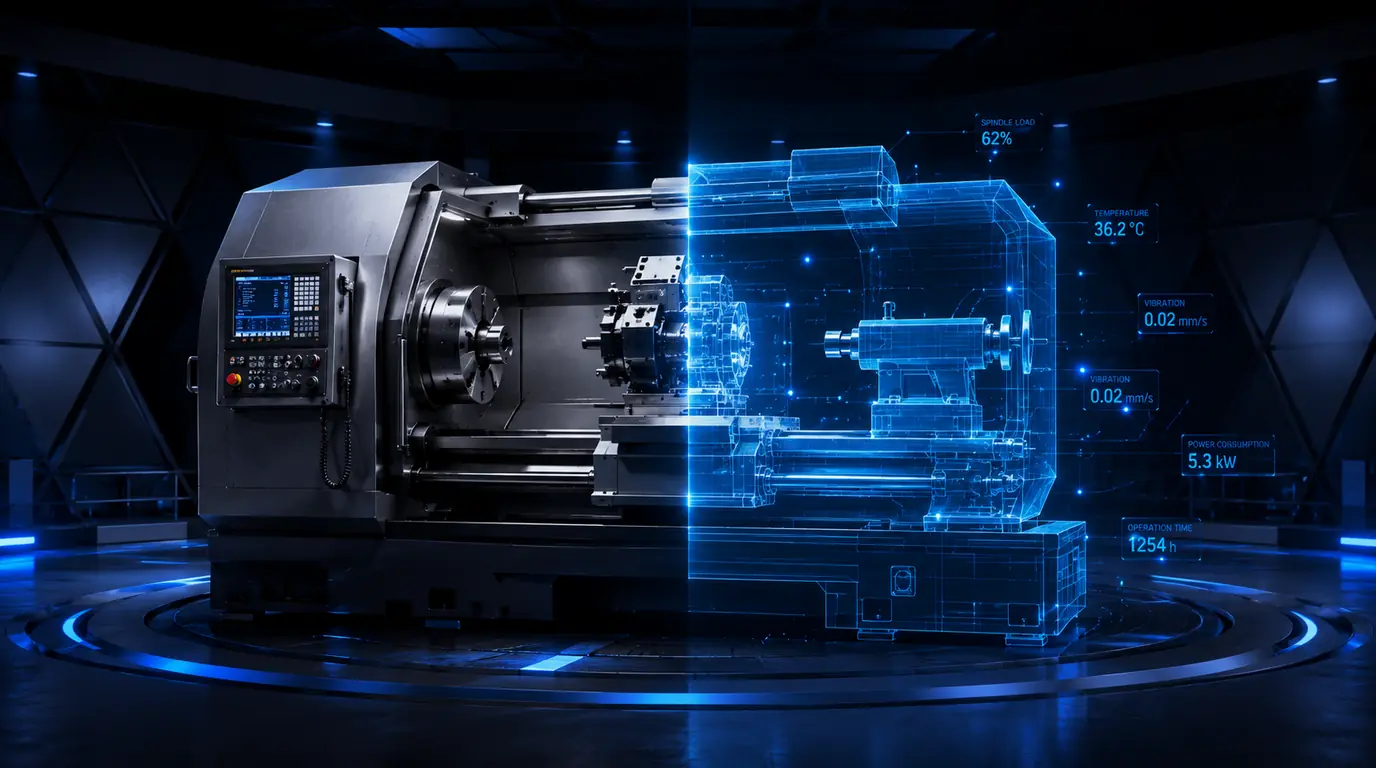
The same performance budget and the same offline deployment model are what hold up OmniViewer, our VR showroom for industrial machinery: a sales engineer can carry a five-tonne machine at 1:1 scale in a backpack — no PC, no network, and no dependency on the client’s wifi.
If you’re evaluating VR for an industrial or enterprise application and need a team that has solved the deployment engineering — not just the visuals — see our immersive experiences work or read the full VR systems engineering case study.
About the Author
Robotics Engineer
For over a decade, I have been driven by a single mission: leveraging AI and robotics to build a world of automated production. I believe that by creating self-sufficient systems, we can empower people to refocus on what truly matters—their families and their passions. My expertise spans from winning prestigious European startup competitions to architecting complex, integrated hardware and software projects. I specialize in bridging the gap between today's industrial challenges and tomorrow's autonomous solutions.
Frequently Asked Questions
What is standalone VR and why does it matter for field deployment?
What frame rate does standalone VR need?
How do non-technical users navigate VR without controllers?
Can standalone VR run fully offline?
Ready to transform your company?
Book a free 30-minute meeting with an engineer.